Gavior Journal · Mobile App Development · 4 min read
Mobile App MVP Scope: A Buyer Checklist for a Testable First Release
Gavior Editorial Team
Product and engineering editorial team
Published: 2026-10-15Updated: 2026-10-15
Define a mobile app MVP around one complete user journey, with explicit acceptance criteria for accounts, permissions, connectivity, support and release ownership.
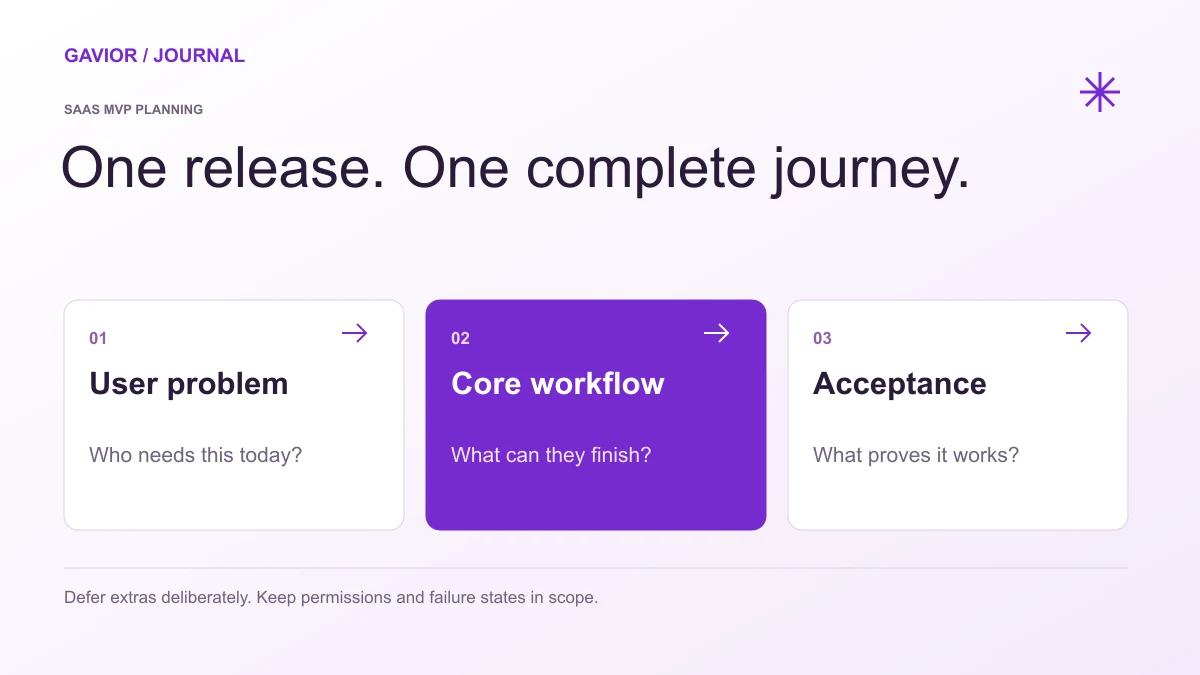
Define one complete customer journey and the evidence needed to accept it. View full-size image ↗
Include the smallest complete journey that lets the intended user receive real value, plus the access controls, failure handling and operational support needed to run that journey. Define what must work and how it will be verified. A list of screens alone is not a release scope.
Make your move
Ready to turn a better idea into a better business?
An MVP can reduce how much you build, but it should not leave customers guessing whether their action succeeded. This checklist is for founders and business owners commissioning a first app, rather than a comparison of development frameworks.
Use the mobile app development cost guide to compare implementation, backend, device testing and release responsibilities against the same scope.
Choose one user and one outcome
Name the primary user and the situation in which they open the app. “Everyone who needs our services” is too broad to guide a first release. “An existing customer checks a booked service visit and confirms an available time” is a journey a team can design and test.
Write the start and finish in plain language. List the information required at each point and the business system that owns it. If the app needs an operations team to fulfil a request, include their handoff. A polished customer screen without the supporting staff workflow can produce requests nobody can complete.
Make a release boundary
Include in the first release
Decide separately
One complete primary journey
Additional audiences and unrelated journeys
Required account and permission behaviour
Social features that do not support the main task
Useful loading, empty and error states
Decorative animation and optional personalisation
Essential support and operational visibility
Advanced analytics and complex reporting
A repeatable delivery and release process
New platforms without a demonstrated user need
This is a planning framework, not a universal feature prescription. Some products do not need accounts at all. Others need different permissions from day one. Explain the reason for each included capability and put later ideas in a separate backlog so they do not quietly expand the agreement.
Turn requirements into acceptance scenarios
For each critical action, specify a normal case, a boundary case and a failure case. A hypothetical field-service app might need these tests: an authorised worker can open an assigned job; another worker cannot open it by changing a record identifier; a failed upload leaves an understandable retry state. This example illustrates scope and is not a delivered client case study.
Agree which devices, operating-system versions and screen sizes will be tested. Say who supplies test accounts and realistic sample data. When a requirement cannot yet be verified, record the assumption rather than describing it as finished. A testable scope lets you evaluate the release without relying only on a demonstration video.
Define connectivity and recovery behaviour
An app should tell users what happens when the network is slow or unavailable. Decide which tasks must work offline, which can wait and which require a connection. Offline editing may require conflict resolution and synchronisation work, so it should be an explicit requirement rather than a casual promise.
Explain what happens when a user taps twice, closes the app midway through an action or returns after a session expires. For important submissions, agree how the system prevents duplicate work and shows the final status. These decisions often matter more to usability than adding another screen to the feature list.
Include privacy and store preparation early
List the data collected, why it is needed, who can access it and which third-party services receive it. Review permissions against the actual journey; do not request access just because a library supports it. Identify who will supply the privacy policy and approve disclosures.
For an iOS release, Apple's App Review preparation guidance points developers to its technical, content and design criteria and the information needed for review. Treat submission preparation as part of the plan. Store approval and its timing depend on review; a developer should not promise an unconditional approval date.
Decide who runs the app after release
Before sign-off, identify the owners of developer accounts, source code, backend infrastructure, support channels and renewal costs. Ask for a documented build and release path. Confirm how a serious issue is reported, who can pause a problematic release and what support is included after launch.
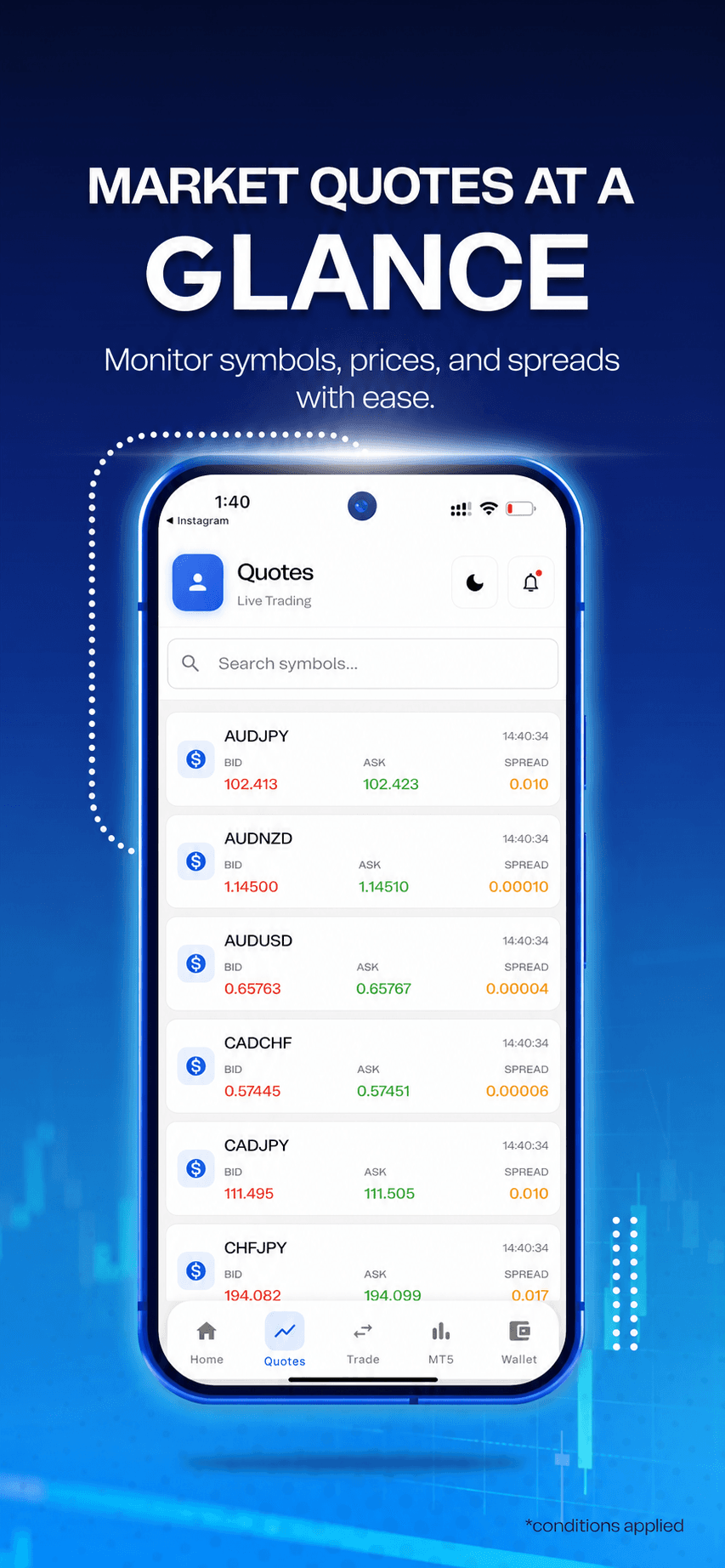
Client work · Mobile interfaceClient application presentation with branding removed. This shows interface work; it does not establish the app's price, development framework or measured business results.
G
Gavior Editorial Team
Product and engineering editorial team at Gavior
The Gavior Editorial Team shares practical guidance on product design, software engineering, cloud delivery and AI automation.