
Prop Firm Mobile
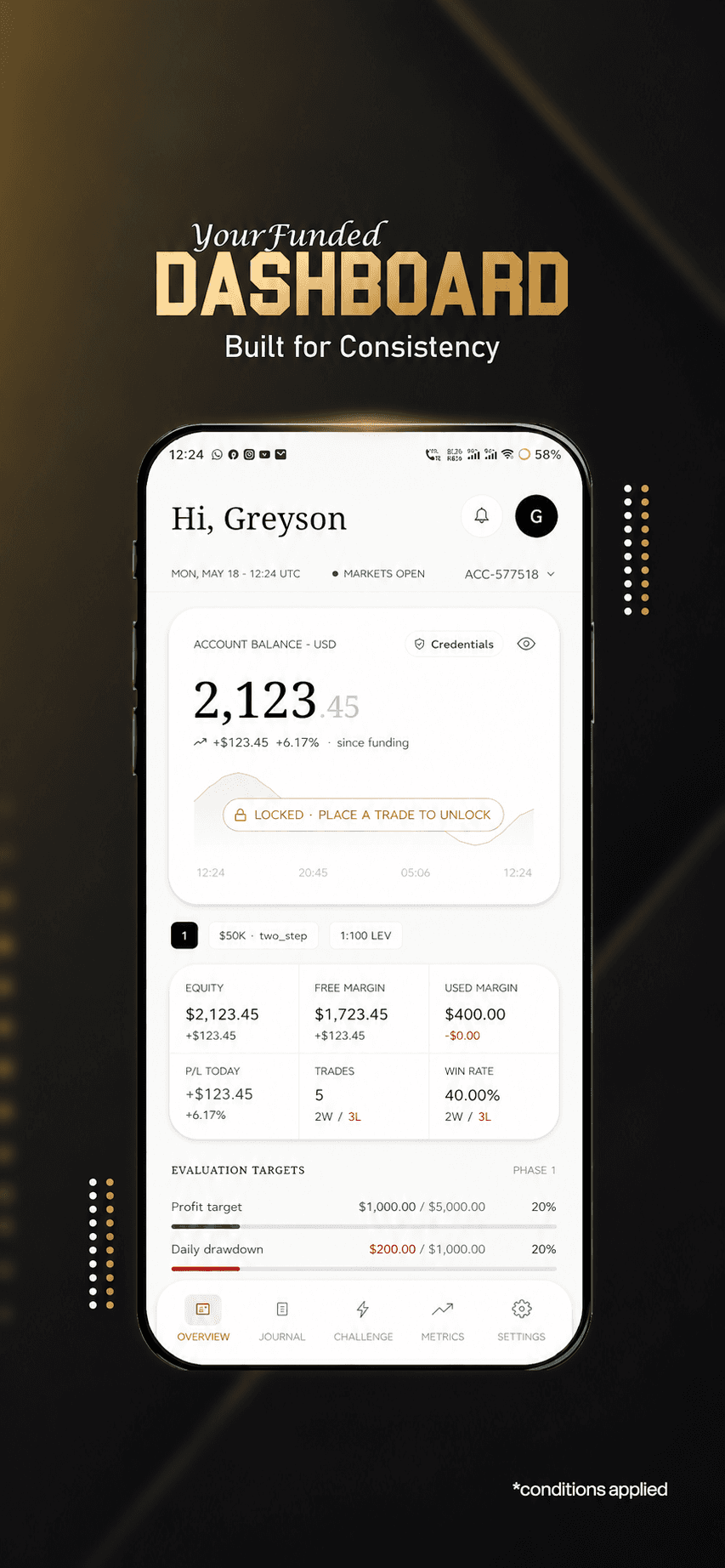
A mobile dashboard for funded accounts, evaluation targets, trading journals and challenge progress.
Useful when customers are on the move
Mobile apps designed around the tasks people need to finish, from signing in to booking, ordering or tracking work. Platform choice follows the experience, device features and maintenance plan.
Explore the scopeBuilt around your goals. Scoped before we build.
Client work · Prop Firm Mobile · Explore project ↗
Selected work
A mobile dashboard for funded accounts, evaluation targets, trading journals and challenge progress.
A mobile trading experience with market quotes, account access, trading tools and wallet workflows.
Mobile app development includes product planning, mobile interface design, application and API integration, device testing and release preparation for the agreed platforms. Store approval and ongoing platform updates remain external dependencies.
The scope
Your proposal defines what is included, how it will be reviewed and what your team receives. Here is what we can plan together.
Design touch interactions, onboarding and the permission requests the app actually needs.
Implement agreed Android or iOS features with APIs, notifications and relevant offline behaviour.
Prepare build configuration, test notes and store listing assets within the agreed submission scope.
Where it fits
Different teams need different solutions. These are example starting points, not claims about past client outcomes.
Let customers manage bookings, orders or account information away from a desktop.
Capture work updates, photos or location information with defined privacy controls.
Create a focused recurring task with notifications that are useful rather than intrusive.
From brief to handover
No black box. You can see the decisions, review the work and understand what happens next.
Identify why the workflow needs an app rather than a responsive website.
Review key flows, keyboard states and permissions before implementation.
Test loading, connectivity failures and account states as well as the ideal journey.
Check target devices, privacy disclosures, store requirements and update ownership.
Make an informed decision
Tell us the outcome, your current setup and the constraints. We will recommend a scope before you commit to a build.
Explore pricing & engagement optionsProvide access to backend documentation and business-owned publishing accounts.
Budget for OS updates, device testing and post-release maintenance.
Selection depends on your requirements, existing systems and budget.
Before we begin
An app is more useful when device features, frequent return usage or offline work justify installation. A responsive website may be better for discovery and occasional tasks.
Often, but device integrations and platform-specific behaviour still need separate testing. We compare cross-platform and native approaches against the required features.
Store developer accounts, platform fees and third-party subscriptions are separate unless the proposal explicitly includes them. Your business should control publishing accounts.
Selected workflows can, if local storage, synchronisation and conflict handling are designed in scope. Offline operation is not a switch added at the end.
Think connected
Plan with confidence
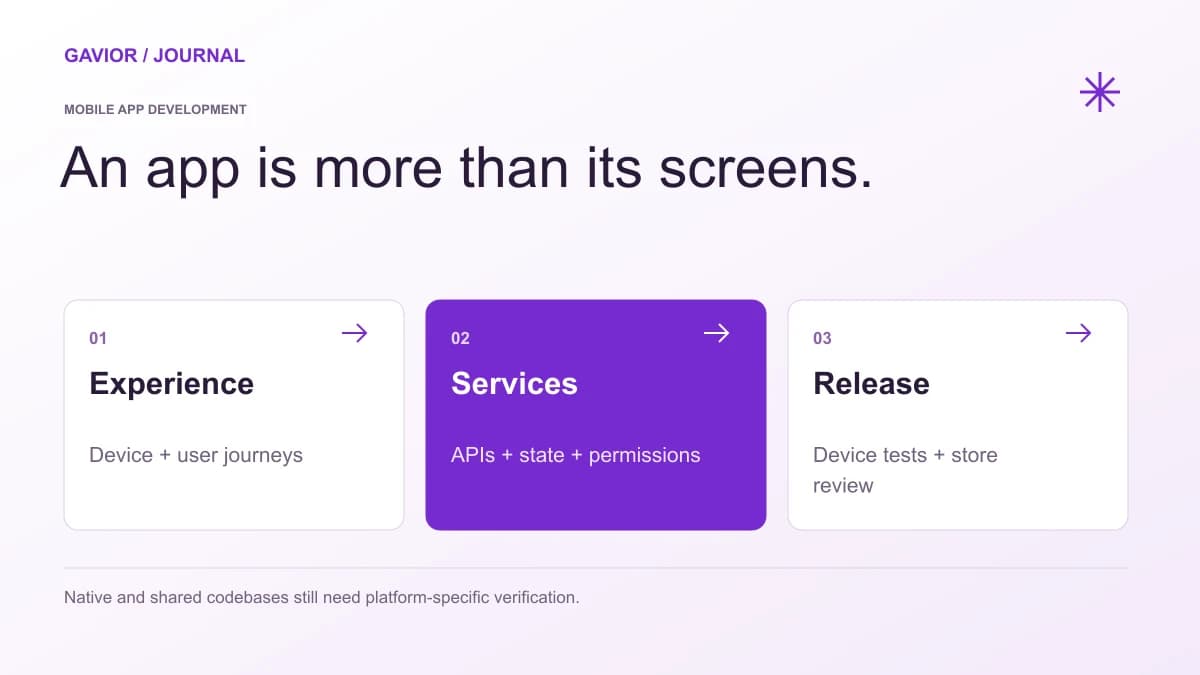 Mobile App Development
Accept a mobile app handover with an ownership register, reproducible release, store-account checks and backend operating tests—not just a source-code archive.
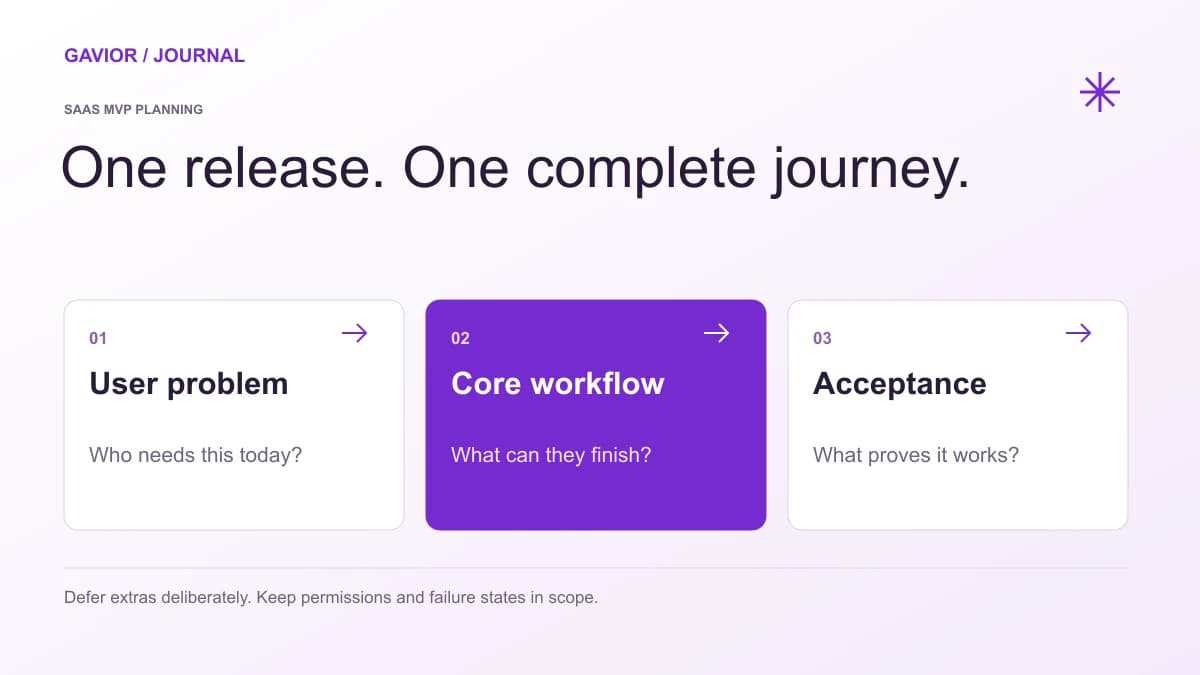 Mobile App Development
Define a mobile app MVP around one complete user journey, with explicit acceptance criteria for accounts, permissions, connectivity, support and release ownership.
Mobile EngineeringReview mobile app development costs by user journeys, backend scope, platform testing and store release. Compare proposals using a clear worked worksheet.
Let’s make it useful
A few focused questions. A clearer starting point for your project.