Gavior Journal · Mobile App Development · 5 min read
Mobile App Handover Checklist: Store Accounts, Builds and Backend Ownership
Gavior Editorial Team
Mobile and product engineering editorial team
Published: 2026-11-09Updated: 2026-11-09
Accept a mobile app handover with an ownership register, reproducible release, store-account checks and backend operating tests—not just a source-code archive.
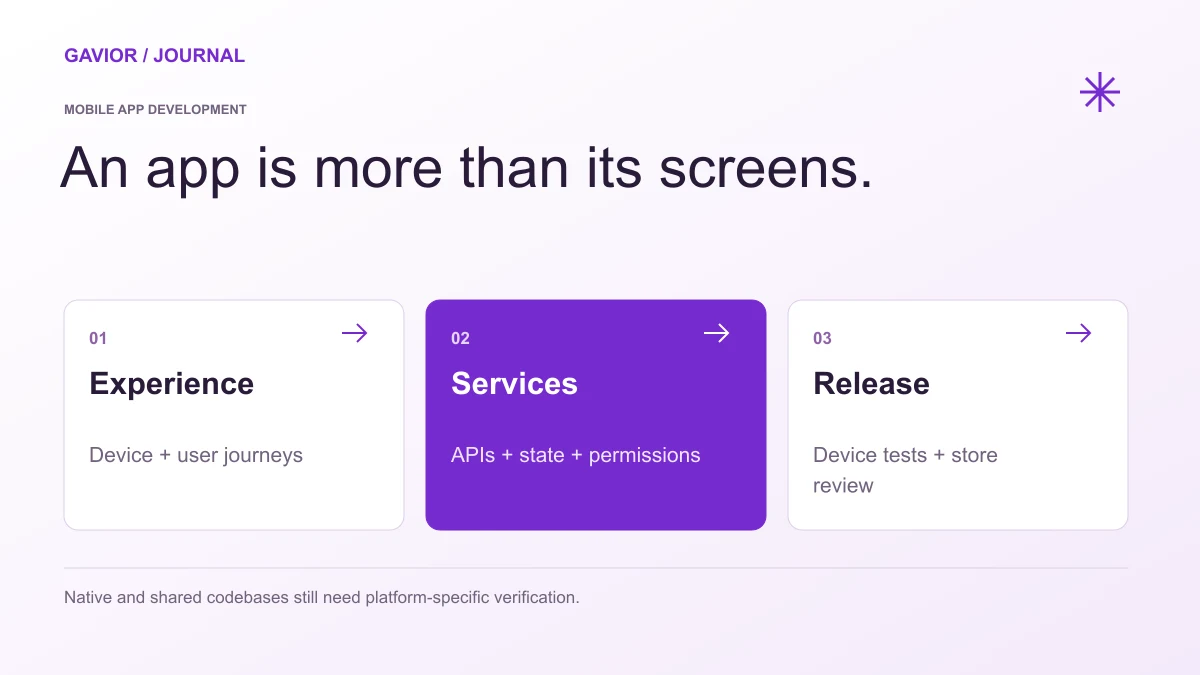
Native and cross-platform delivery both need testing on the intended devices. View full-size image ↗
A source-code archive and a working installation are useful, but neither proves that your business controls the store listing, signing process, backend or next update.
Make your move
Ready to turn a better idea into a better business?
A mobile app handover is complete when the receiving team can access, build, release and operate the agreed product.
This checklist is for buyers accepting an app from a development partner or changing maintainers. It addresses ownership and operational continuity; use the separate mobile MVP scope checklist to define the first-release features. Agree the handover requirements in the contract before the final delivery meeting.
Establish who owns each account
Create an ownership register covering Apple and Google developer accounts, source repositories, build automation, domains, cloud hosting, databases, analytics, crash reporting, notifications and paid integrations. Record the business owner, administrator, billing contact, recovery method and intended developer permissions for each.
The business should control its accounts and recovery options. Give developers the access their role requires instead of sharing one owner's login. Verify that a responsible person can actually sign in and recover access. Writing “client owned” in a document is weaker evidence than demonstrating the correct account and permissions together.
Separate contractual ownership of code and design from access to third-party platforms. Licensed assets, subscription services and platform-managed signing may have different terms. Record these boundaries explicitly.
Check whether an app transfer is necessary
If the app already sits in an agency's developer account, do not assume handing over credentials transfers it to your business. Review the platform's current process and the app's specific features first.
Apple's overview of app transfer describes initiation and acceptance by the respective Account Holders, eligibility requirements and additional considerations for services such as push notifications, subscriptions and Apple Pay. An Apple Pay merchant ID, for example, does not transfer with the app. Inventory affected integrations before scheduling a release around a transfer.
Google's developer-account transfer guide requires preparation of the source and target accounts and explains additional work for integrated services. Analytics permissions, Cloud projects and Firebase links need attention beyond the Play listing. Some historical financial and export reports do not move with the app. Preserve the business records you need through authorized account access.
Neither process guarantees that a particular app is eligible or that a future submission will be approved. Assign an owner to verify current requirements and resolve dependencies before committing to a cutover date.
Demonstrate a reproducible release
Ask the receiving developer to build from the agreed repository and tagged revision using the documented toolchain. Record supported tool versions, dependency setup, environment names and build commands. Identify how Android application IDs, Apple bundle identifiers, version numbers and release channels relate to the store records.
Document signing responsibilities and the approved route to internal testing or another agreed distribution channel. Avoid placing signing credentials or production secrets in the repository. Use business-controlled secret storage, limited access and a rotation plan where appropriate; do not indiscriminately rotate a key without checking its role in future updates.
The acceptance exercise should produce an installable build and show how the next update would be prepared. It need not publish a public release or contact customers to demonstrate readiness.
Include the backend and failure paths
An app may depend on APIs, account recovery, notifications, file storage and administrative tools. Identify which system owns each record and which person handles incidents. Include deployment instructions, database migrations, backup and restore responsibilities, monitoring access and support escalation in the handover scope.
Use approved test accounts and environments to check login, expired sessions, denied permissions, interrupted connectivity and the main business action. For payments or subscriptions, agree provider test scenarios and reconciliation ownership. Confirm that the app reports failure accurately rather than displaying success before the backend accepts an action.
Keep credentials, customer records and test requirements out of public tickets, screenshots and analytics events. Analytics should describe the event without copying an email, phone number, password or private request text.
Use an acceptance worksheet
This worksheet is a planning example, not a completed Gavior client handover. Add a named owner, evidence location and pass/pending decision to every row.
Handover item
Demonstration to request
Acceptance boundary
Business account control
Owner signs in and reviews recovery and developer roles
No shared agency-owner login required
Source and build
Receiving maintainer builds the tagged revision
Commands and required tools documented
Store continuity
IDs, signing responsibilities and transfer dependencies reviewed
Unresolved approvals recorded, not assumed
API and administration
Test account completes the core workflow and an error path
Correct records and user feedback demonstrated
Operations
Team locates monitoring, backup responsibilities and escalation notes
Incident owner and recovery procedure identified
Access closure
Agreed role removal and secret review completed
Required ongoing service access preserved
State what happens after acceptance
Record known limitations, outstanding decisions and the support period. Handover does not automatically include unlimited changes, OS upgrades, store-policy remediation, third-party bills, new integrations or round-the-clock incident response. Separate a defect within the accepted scope from a later feature request.
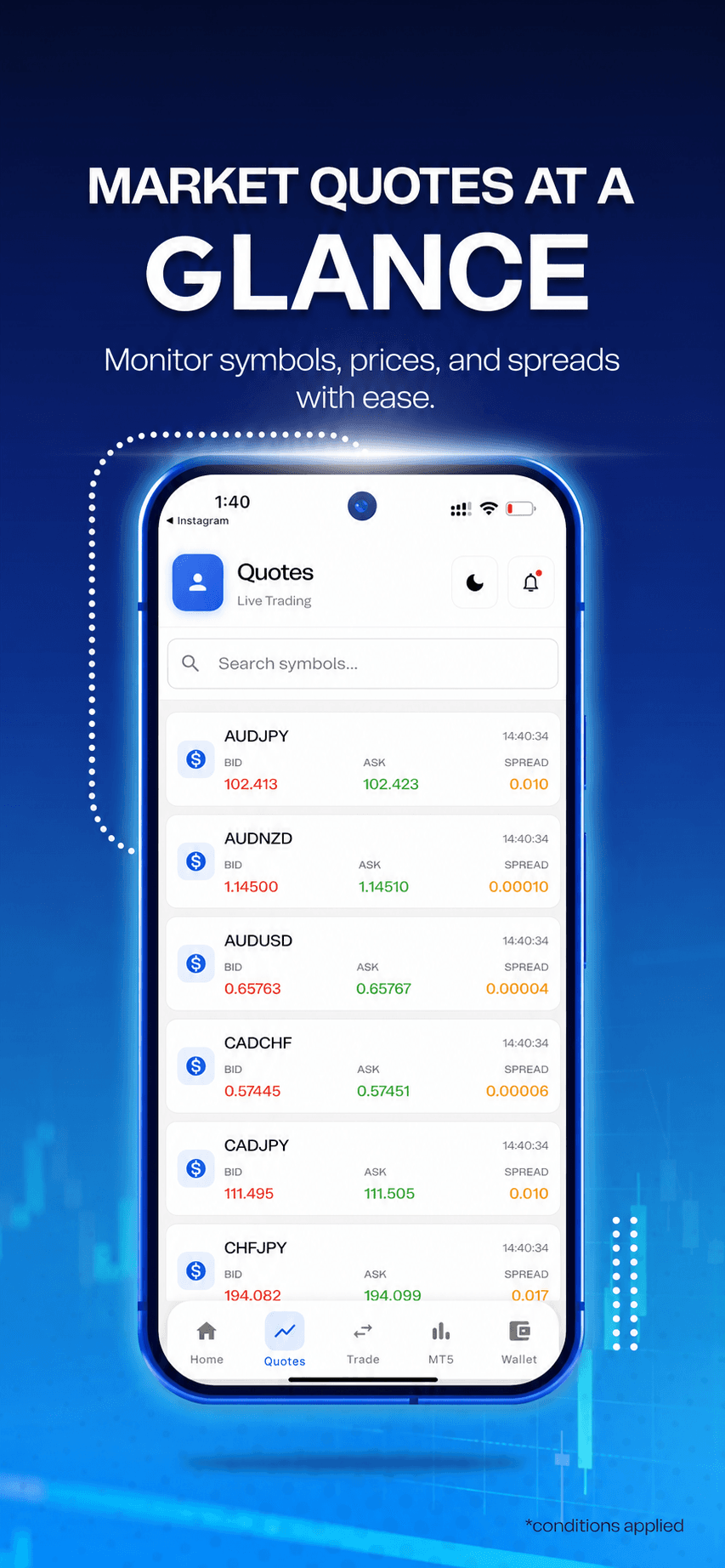
Client work · Mobile interfaceClient application presentation with branding removed. This shows interface work; it does not establish the app's price, development framework or measured business results.
G
Gavior Editorial Team
Mobile and product engineering editorial team at Gavior
The Gavior Editorial Team shares practical guidance on product design, software engineering, cloud delivery and AI automation.