Gavior Journal · Mobile App Development · 5 min read
An Offline Field Service App: Keep Work Moving Without Signal
Gavior Editorial Team
Product and engineering editorial team
Published: 2026-11-10Updated: 2026-11-10
Plan a field service app that lets technicians see assigned work, record notes and queue photos when connectivity is unreliable.
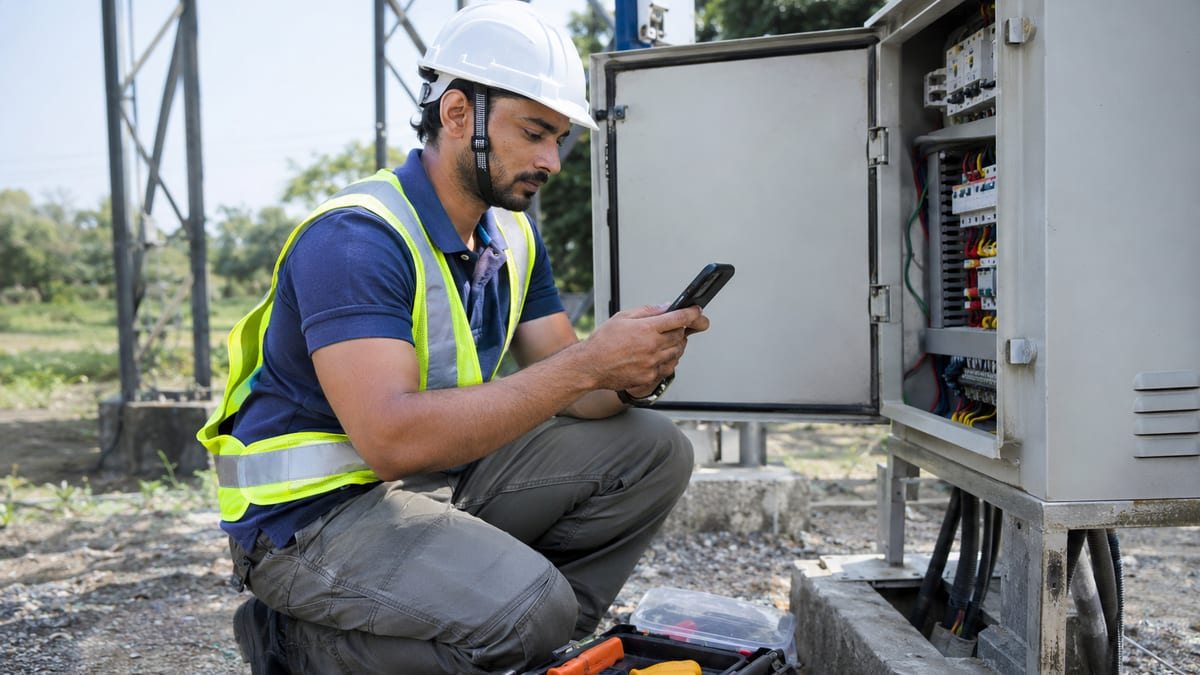
AI-generated illustration of a business scenario; not a client or Gavior project. View full-size image ↗
A technician reaches a customer's equipment room, opens a job and finds there is no mobile signal. The visit cannot wait, but the office still needs the notes, photos and completion status. An offline-capable field service app can preserve the work on the device and send it when connectivity returns—if that behaviour is designed, tested and included in the project scope.
Make your move
Ready to turn a better idea into a better business?
The maintenance company in this article is a fictional example, not a Gavior client story. It illustrates how a business can specify a useful app; it is not a claim of measured savings or a ready-made feature in every Gavior project.
The problem: a visit is finished, but the record is missing
Imagine an equipment-maintenance business assigns jobs from an office dashboard. Technicians need the address, safety instructions and previous service notes. At a customer site, they record an inspection, add two photos and request a part. A common failure is treating the final tap on “Complete” as success even when the network drops before the office receives the record.
The team needs an explicit answer to three questions: what can the worker see without a connection, where is the work stored, and how does everyone know the office has received it? A polished set of screens alone does not answer any of them.
Map one complete offline journey
Moment
Worker sees
App and office responsibility
Before leaving coverage
Assigned job and permitted details are available
Download the agreed information; show when it was last updated.
At the site
Notes and photos can be saved on the device
Store only agreed data and mark it as waiting to send.
Network returns
Upload status changes as data is sent
Retry safely; distinguish pending, failed and received.
Office reviews
Staff see the received record and any exceptions
Confirm the correct job, attachments and follow-up owner.
Not every action should work offline. An urgent reassignment or an approval that depends on current inventory might require a connection. Mark those limits clearly, so a worker does not rely on information that may have changed.
Android's offline-first architecture guidance describes a local data source and a process for synchronising with the network. The right implementation depends on the platform, business rules and security requirements; an app does not become reliable simply because a screen has been cached.
Queue notes and photos without losing the status
For each saved action, define a stable identifier, the job it belongs to, the data captured and a visible state. A simple set is saved on device, waiting to send, needs attention, and received by the server. Make it clear that a local save is not yet an office confirmation.
Large images can fail partway through an upload. Agree maximum sizes, retry behaviour, the effect of a worker closing the app, and whether upload should wait for Wi-Fi. If the device is short of storage, show a useful message and a safe recovery path. The business should decide how long local data remains and who can see it on a shared device.
Retries must not create duplicate job updates or parts requests. The app and server need a shared way to identify the same action when a response is lost and the app tries again. Test this with your actual backend rather than assuming a retry button is enough.
Decide what happens when two people change a job
Suppose the office changes a visit time while the technician is offline. When the device reconnects, the server's latest assignment and the saved on-device notes may both matter. Agree which fields can merge, which version is authoritative, and when a person must resolve a conflict. Never silently overwrite an important inspection or customer instruction.
The same principle applies when a job is cancelled, another technician completes it, a worker's access is removed, or the device's clock is incorrect. Give each case an owner and an expected response. A “last write wins” rule may be acceptable for a harmless preference but can be inappropriate for a safety-critical record.
Protect customer information on the device
List the information the technician genuinely needs: for example, a site contact, approved access instructions and equipment history. Avoid storing unrelated customer records. Agree device access controls, retention, encryption where appropriate, and what to do when a phone is lost or a staff member leaves. Review permissions for the camera and location against the task rather than requesting everything by default.
Before sign-off, agree who owns the mobile accounts, backend, support and device policy. App-store approval, external provider fees and post-release support should be stated in the proposal rather than assumed.
A practical acceptance checklist
Download an assigned job, switch to airplane mode and confirm the agreed details remain readable.
Save a note and photo offline; close and reopen the app and confirm both remain available with a pending status.
Reconnect, interrupt an upload, then retry. Confirm the office receives one correct record rather than duplicates.
Change an agreed field in the office while the device is offline. Confirm the conflict follows the written rule and that important work is retained.
Test expired sign-in, low device storage, revoked access and a lost-device response using approved test data.
Verify the experience on the agreed devices, including clear error messages and accessible controls.
Record the device, app version, expected result, observed result and owner for each check. If a requirement depends on a third-party system, include that dependency in the test plan.
How Gavior can help
Gavior's mobile app development service includes planning mobile workflows, integrating agreed APIs and testing connectivity failures. Selected offline behaviour, local storage, synchronisation and conflict handling can be scoped for the job; they are not automatic inclusions in every app. Share a sample job, the information staff need at the site, your existing system and the devices in use, and Gavior can discuss a proposal with clear acceptance checks.