Website Redesign Without Losing SEO Leads: A Practical Migration Plan
Gavior Editorial Team
Design and engineering editorial team
Published: 2026-10-07Updated: 2026-11-07
Protect useful pages and enquiry paths during a website redesign with a URL inventory, redirect map, content review, staging checks and post-launch monitoring.
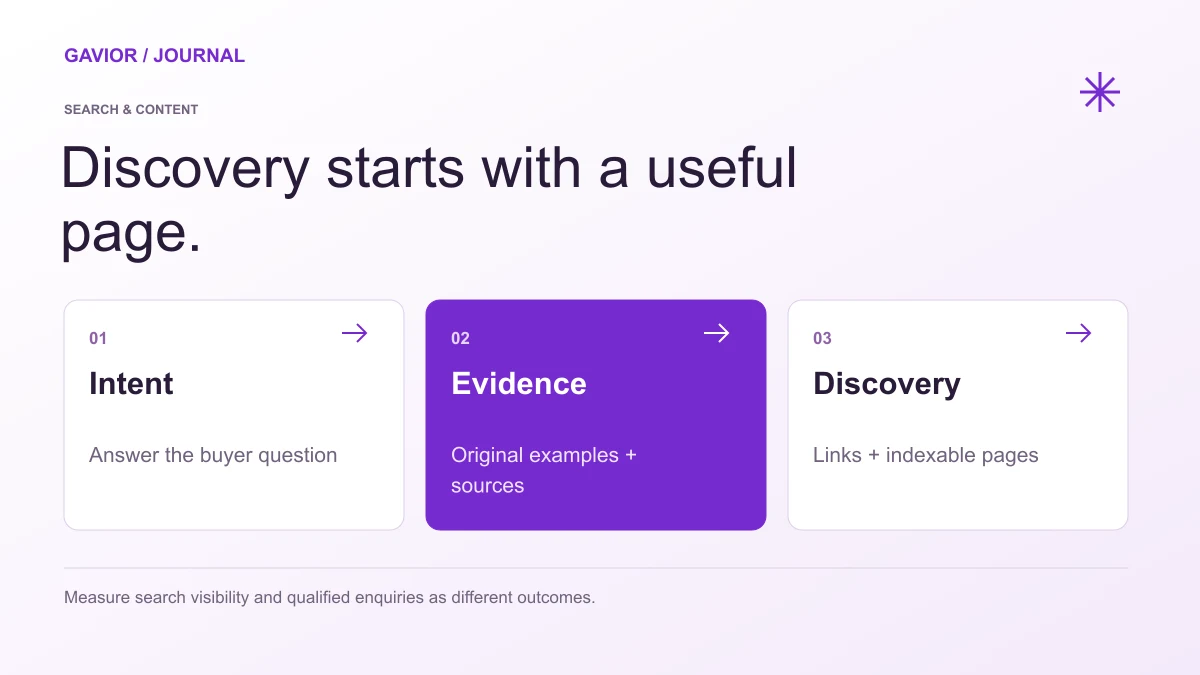
Useful content, crawlable pages and clear measurement belong in the same plan. View full-size image ↗
A redesign should improve how people understand and use your website. It can also disrupt search traffic and enquiries if important pages disappear, URLs change without redirects, or forms stop working. Treat the launch as a migration of a working business asset, not merely a visual replacement.
Make your move
Ready to turn a better idea into a better business?
Short answer: Before redesigning, record the pages and search queries that bring qualified visitors, preserve useful content, map every changed URL to a relevant destination, and test the enquiry flow. After launch, monitor indexing, traffic and conversions so you can correct problems quickly. No process guarantees unchanged rankings, but a documented migration reduces avoidable mistakes.
Start with a baseline, not a mockup
Export the current URL list, sitemap and key analytics reports. In Search Console, note high-value landing pages, their main queries and whether traffic is branded or nonbranded. In analytics or your CRM, identify pages that lead to calls, forms or purchases. A page with modest traffic but several valuable leads may matter more than a popular article with no commercial relevance.
Record the current conversion paths. Which form fields are required? Which phone number is clickable on mobile? Where do submissions arrive? Does a booking link contain campaign tracking? These details are easy to miss when the team focuses only on the new design.
Decide what happens to each existing URL
Existing page
Decision
Required action
Valuable service page
Keep URL where possible
Improve copy without removing the core offer
Useful page moved to a new path
Replace
Permanent redirect to the closest relevant new page
Several overlapping pages
Consolidate
Combine useful material and redirect old URLs to the new resource
Obsolete page with no relevant replacement
Retire
Consider an honest 404/410 rather than routing everything to home
Create a spreadsheet with old URL, new URL, page purpose, owner and test status. Redirects should match user intent. A person opening an old “commercial roof repair” page should not be sent to a general homepage if a relevant roof repair page exists.
Review content as well as design
Keep the information that made a page useful: service details, locations served, process, product specifications, FAQs and proof you can substantiate. Rewrite vague or outdated text, but do not replace specific answers with slogans. Check the title and description for every important page. If a redesign changes the business positioning, update the content strategy deliberately rather than accidentally removing relevant topics.
Ask the developer to make staging inaccessible to search engines and to remove staging restrictions from the real site at launch. Inspect canonical URLs, robots instructions, sitemap entries and internal links. Make sure image assets have appropriate alternatives where they convey information. Navigation should expose key pages to visitors and crawlers without relying on a complex animation.
Test the business path before switching domains
On staging, run realistic tests from a phone and desktop browser. Submit each form, place a test order if relevant, and confirm who receives the notification. Check validation errors and success states. Open pages on a slower connection and inspect layout shifts. Verify that contact details, location information and business hours are accurate.
Then crawl the staging site and compare it with your migration map. Check that important pages have one preferred URL and that internal links point to new destinations. A redirect may save an old bookmark, but internal navigation should use the final URL directly.
Use a launch and recovery window
Schedule the switch when the responsible team can monitor it. Keep a backup of the old site and a clear rollback plan. Once live, test redirects from the old URL list, submit the current sitemap where appropriate, and check indexing and crawl reports. Compare enquiry counts with the baseline while accounting for seasonality and campaign changes. Investigate a drop before assuming a single cause.
Assign owners for the first days and weeks after release. If a top service page is accidentally blocked, fix the block and verify the page renders correctly. If leads fall while traffic stays steady, test forms, calls and message clarity before changing SEO copy.
Will a redesign always reduce search traffic?
No. A redesign can preserve useful URLs and improve the experience, although search traffic may still fluctuate. The avoidable risks are broken redirects, missing content, blocked pages and untested enquiry routes. Compare results over an appropriate period and investigate specific pages instead of attributing every change to the redesign.
Turn the migration plan into a build brief
The website launch checklist covers broader release checks. Use the website project brief template to combine your existing URL inventory, content responsibilities, form destinations and acceptance checks in one document. Keep customer records and account credentials out of the initial enquiry.
For a redesign with existing search demand, review Gavior's website development scope and website portfolio. The scope includes agreeing migration checks and ownership responsibilities; neither a redesign nor a new framework guarantees more traffic or leads. Discuss your website redesign with your current URL, the pages you need to preserve and the business action the new site should support. Email follow-up is available without a required WhatsApp number.
G
Gavior Editorial Team
Design and engineering editorial team at Gavior
The Gavior Editorial Team shares practical guidance on product design, software engineering, cloud delivery and AI automation.