Website Builder to Custom Site: Migration Checklist
Gavior Editorial Team
Product and web delivery editorial team
Published: 2026-10-07Updated: 2026-10-07
A practical migration plan for teams moving from a website builder to a custom site, covering page inventory, redirects, forms, analytics and a safe launch.
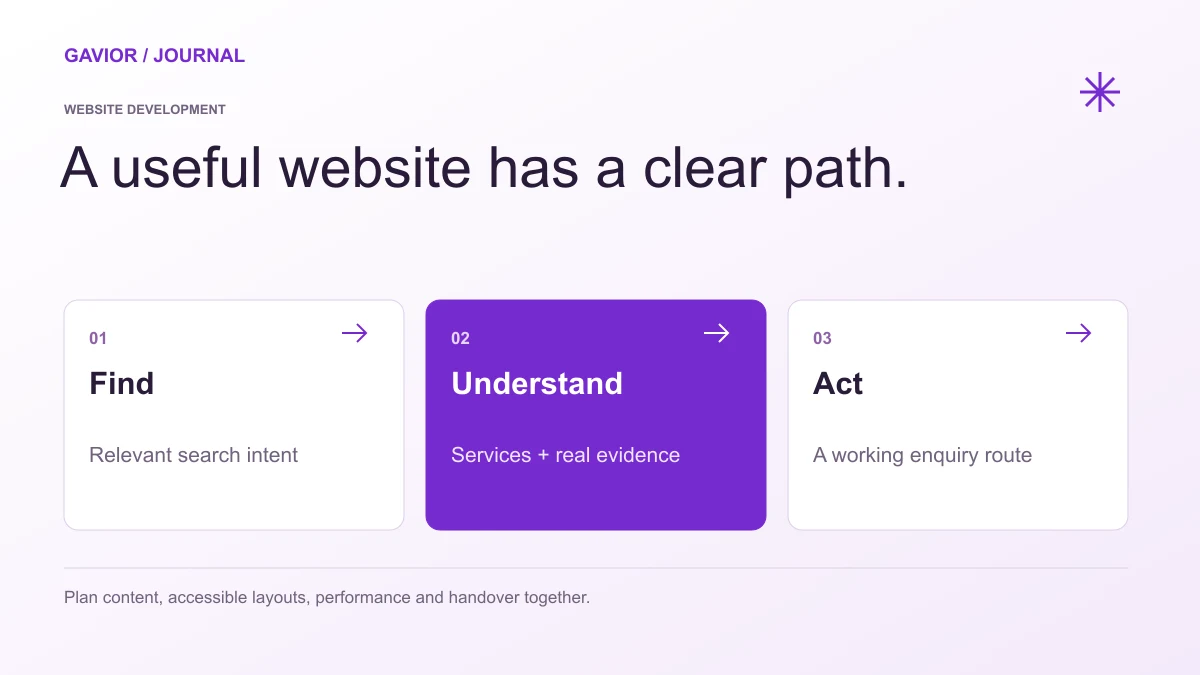
A website brief should connect content, user experience, delivery and ownership. View full-size image ↗
How do you move from a website builder to a custom site without losing important pages or enquiries? Start with an inventory of the current site and its working journeys, then map each valuable URL, form and tracking event to the replacement. Build and test the new site before switching the domain. The design is only one part of the migration.
Make your move
Ready to turn a better idea into a better business?
Teams often decide to move because a builder no longer fits their content workflow, integrations, performance goals or design requirements. That can be a valid reason, but a migration should preserve what already works. The brief needs to identify valuable content and customer paths before anyone deletes or rewrites them.
Inventory the existing site before redesigning it
Export or record every public URL, page title, useful image, downloadable file and lead form. Note which pages receive meaningful search visits, referral traffic or qualified enquiries. Include less visible pages such as thank-you pages, policy pages, campaign landers and old articles that still answer useful questions.
Review analytics and search data if available, but do not assume a low-traffic page is worthless. A service page may receive few visits yet contribute to high-value enquiries. Ask sales or support staff which pages customers reference during conversations.
Asset
Migration decision
Verification after launch
Important URL
Keep, merge or redirect
Old address reaches the right new page
Form
Rebuild fields and routing
A test submission reaches its owner
Download
Move, replace or retire
Links and file access work
Metadata
Review for the new page
Title and description match content
Analytics event
Keep or redefine
Event fires on the intended action
This inventory becomes a shared acceptance checklist for the new build. It also stops an attractive redesign from silently dropping a page that customers still need.
Which URLs need redirects?
Any old URL with a meaningful replacement should normally lead directly to the most relevant new URL. Map old service pages to corresponding service pages, not all to the homepage. If several old pages are genuinely consolidated into one better page, document that decision. Avoid redirect chains and test the full map before launch.
Some builder platforms make exports and redirect control easier than others. Check what your current account can export and when its domain or hosting subscription changes. Keep access to the old platform until the team has verified the new site and recovered necessary content.
Rebuild the customer journey, not just the layout
List the actions that generate value: contact submissions, bookings, calls, purchases or trial signups. Recreate those flows and check the destination of each submission. If a form previously sent leads to a CRM, confirm the new form does the same. If the old site displayed different service information by region, carry that logic forward deliberately.
The custom site may introduce a new CMS or editorial workflow. Before launch, ask a content owner to edit a page, preview it and publish a change. The site is not operationally ready if routine updates still require a developer for every sentence when that was not the plan.
Stage a controlled launch
Use a staging environment to test navigation, mobile layouts, accessibility, forms, payments if relevant, metadata and performance. Crawl or manually check the new pages and redirect map. Make a rollback plan with clear owners for DNS, deployment and form routing.
At launch, verify the live domain, HTTPS, canonical URLs and sitemap. Submit the new sitemap through the search tools you use and watch for crawl errors and unexpected traffic changes. Search systems may take time to process a migration; no agency can promise that rankings will stay identical or improve immediately.
Review what happened after launch
Monitor enquiry delivery, key actions, redirects and search landing pages during the first weeks. Compare qualified leads as well as visits. Fix broken journeys quickly and keep a record of what changed. A migration succeeds when customers can still find the information they need and your team can run the new site confidently.
If you are planning a move from a website builder, Gavior's website development team can scope the inventory, new experience and launch checks. Contact Gavior with your current site and the reason for moving to begin a migration plan.
G
Gavior Editorial Team
Product and web delivery editorial team at Gavior
The Gavior Editorial Team shares practical guidance on product design, software engineering, cloud delivery and AI automation.