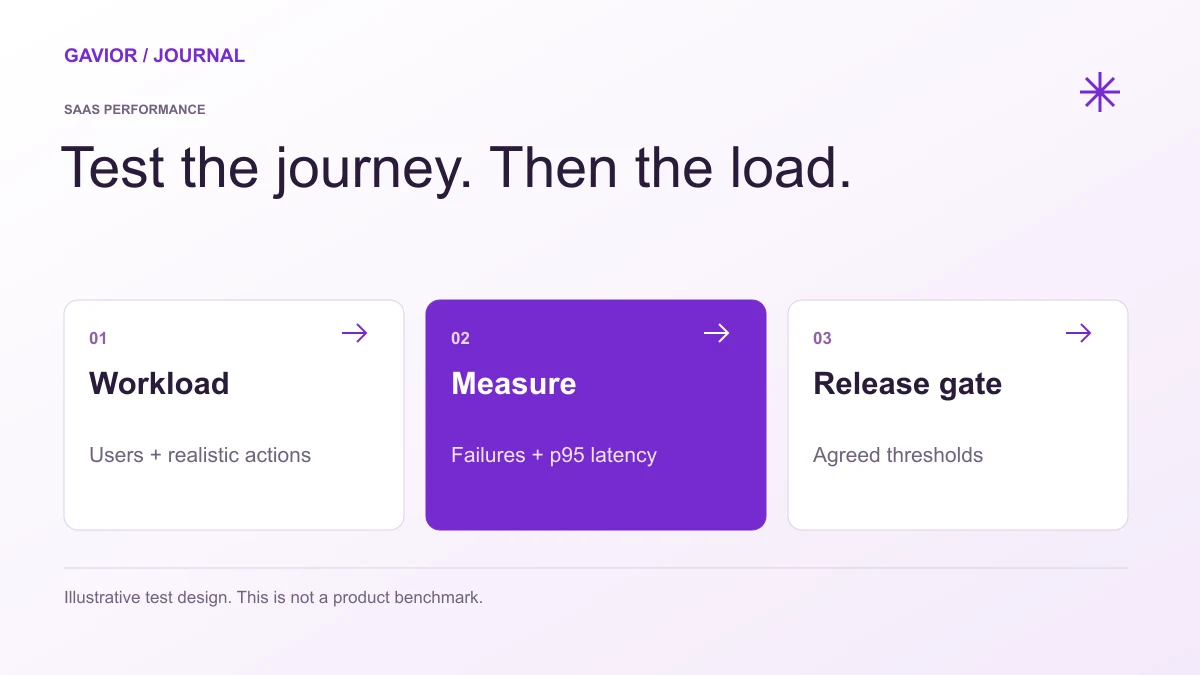
Plan SaaS performance testing around real workflows, tenant data and background jobs. Define workload assumptions, acceptance thresholds and release evidence.
Illustrative test design, not a benchmark or measured Gavior product result. View full-size image ↗
SaaS performance testing checks whether customer workflows remain usable under a defined workload, dataset and environment. Before launch, agree the journeys, concurrent activity, background work, response-time and failure thresholds, and recovery evidence. A fast empty dashboard does not establish a product's capacity.
Make your move
Ready to turn a better idea into a better business?
This guide helps a founder commission a reviewable test plan. It does not report a benchmark for Gavior or its clients. Start with the SaaS MVP scope checklist so the team is testing the first release customers will actually use.
Which workflows should be tested first?
Test the workflows that create or deliver customer value, including the data reads, writes and background work they trigger. Identify what a successful completed action means before measuring how quickly it happens. A response that is fast but incorrect is not a successful workflow.
For an illustrative customer-request SaaS, the journey might be sign-in, submitting a request, retrieving its reference and seeing its updated status. The operator's review and an email notification may be separate steps. A single page-load timing cannot explain all of those responsibilities.
Prioritize common journeys and expensive operations such as large lists, exports, imports or reports. Include empty, normal and larger representative datasets. Confirm that test accounts exercise the intended permissions, not an administrator shortcut that customers will never use.
What should a workload model contain?
A workload model should define user activity, data shape, timing and dependencies. Record these assumptions with the result so a later team can reproduce the test and understand what has changed.
Input
What to specify
Why it matters
Customer journey
Actions and expected saved outcome
Connects timings to useful work
Activity
Concurrent users or arrival rate, and time between actions
Avoids confusing unrealistic traffic with normal usage
Tenant data
Organizations, records and distribution of activity
Exposes effects hidden by one small test account
Background work
Imports, exports, notifications and scheduled jobs
Shows competition for shared resources
Environment
Application version, capacity and relevant configuration
Makes comparisons interpretable
External services
Sandbox, stub or approved real integration
Separates application behaviour from provider limits
Test duration
Warm-up, observation period and stop conditions
Helps detect behaviour missed by a short burst
An illustrative first-release brief could use 100 seeded organizations, 20 concurrent users completing the main workflow and one operator export. Those are example assumptions to review, not recommended limits, forecasts or proof that any product supports that load. The actual plan should follow your intended launch audience and architecture.
Which measures should define acceptance?
Define acceptance around completed work, response-time distribution, failure behaviour and the operational state of the system. An average alone can hide slow experiences, while a server success code can hide an application-level failure.
Measure
Decision it supports
Completed workflow rate
Can customers finish the intended task?
Response-time percentiles
How do typical and slower requests behave?
Error and timeout counts
Which operations fail, and under what conditions?
Queue depth and job completion
Does delayed work catch up or keep accumulating?
Resource observations
What becomes constrained as activity increases?
Data integrity checks
Were the right records saved without unintended duplicates?
Choose response and failure thresholds with the product owner. A p95 response time describes the point at or below which 95% of the observed samples fall; it is not a promise about every future request. Record sample volume and the tested workload beside it.
Grafana's k6 thresholds documentation explains how metric conditions determine test pass or fail. Its checks guidance distinguishes individual assertions from thresholds that determine failure status. If a test is part of a release pipeline, confirm that the agreed acceptance failure actually blocks that pipeline.
How should multi-tenant and background-work behaviour be reviewed?
Include representative activity from more than one organization and observe whether a heavier workload changes other customers' experience. Test expensive work alongside the main journey, while checking that permission and data-integrity rules still hold.
For example, run an agreed export while other test users create and view requests. Observe completion, queue behaviour and the experience of the other organizations. Then check that a repeated submission follows the agreed duplicate-handling behaviour.
Performance testing does not replace authorization review. Pair the plan with the tenant isolation checklist, and keep real customer records out of a test unless their use is explicitly authorized and appropriately controlled. Start in an isolated environment with agreed limits and stop conditions.
What evidence should a founder receive before release?
Request the workload assumptions, tested version, environment, results, failures and recommended actions. The report should explain what the test established, what remains untested and which issues prevent the agreed release from proceeding.
Ask for a short demonstration of an important finding rather than a dashboard image without context. If an issue is fixed, repeat the affected scenario against the changed version and retain both results. Avoid expanding the claim from "this workflow passed this workload" to an undefined "unlimited scalability" promise.
The cloud consulting deliverables checklist helps assign responsibility for capacity, alerts and operation. Scope any additional investigation through the SaaS estimate factors, rather than treating every capacity concern as a complete rebuild.
Frequently asked questions
Is load testing the same as a page-speed test?
No. A page-speed test examines an individual experience under its test conditions. A load test applies a defined workload to observe system behaviour. Both may be useful, but they answer different release questions.
How many users should an MVP load test simulate?
Use a workload based on the intended launch, expected behaviour and consequences of failure. Document why the chosen concurrency or arrival rate is appropriate. There is no universal user count for every SaaS MVP.
Can we test payments and emails at full volume?
Agree permitted test environments and provider limits first. Use suitable sandboxes or controlled substitutes where appropriate, and document what they cannot establish about the live dependency. Do not send real customer messages as accidental test traffic.
What if a performance test fails?
Identify the failing workflow and constraint, agree the corrective action and repeat the relevant test. A failed test can lead to a narrower launch or a targeted improvement; it does not automatically justify a different architecture.
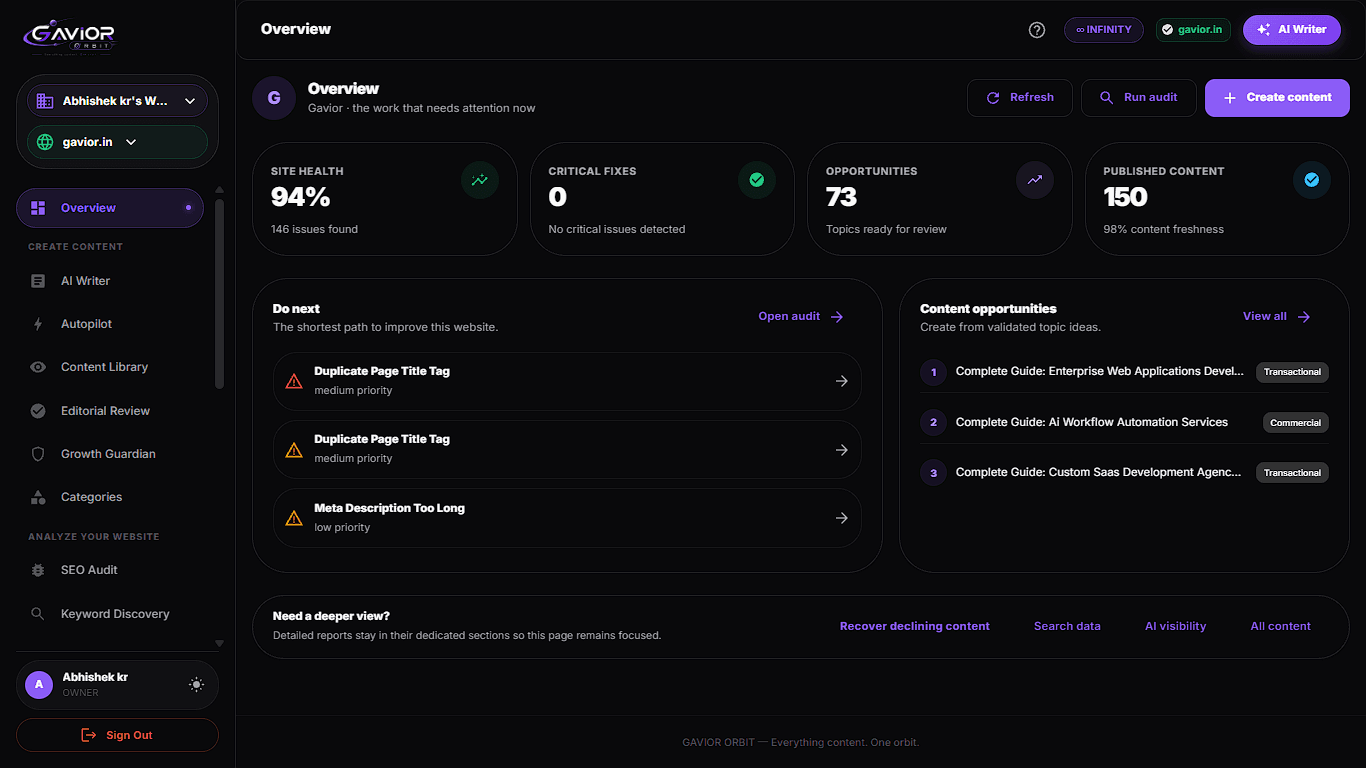
Our own product · Gavior OrbitA real Gavior Orbit interface. The captured figures describe a screen state; they are not performance tests, traffic growth or customer outcomes.
G
Gavior Editorial Team
Product and engineering editorial team at Gavior
The Gavior Editorial Team shares practical guidance on product design, software engineering, cloud delivery and AI automation.