Nonprofit Donation Website: Trust and Checkout Checklist
Gavior Editorial Team
Product and web delivery editorial team
Published: 2026-10-07Updated: 2026-10-07
A nonprofit website planning checklist covering donation flow, impact evidence, accessibility, volunteer actions and the information supporters need to trust an organization.
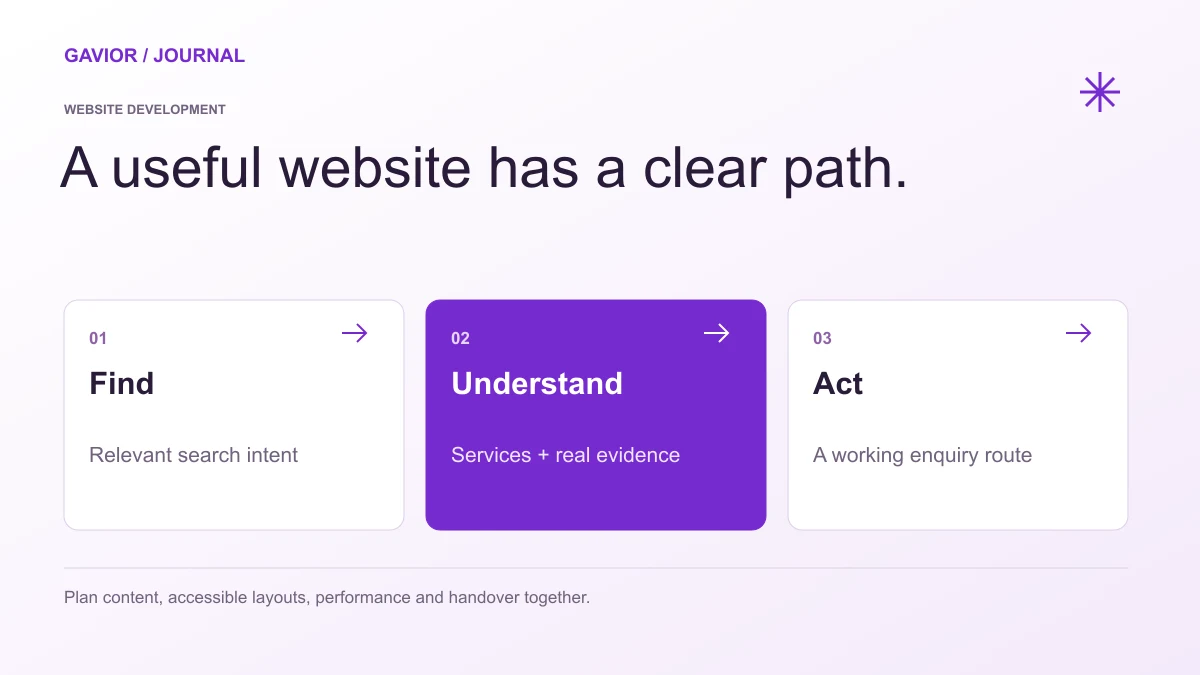
A website brief should connect content, user experience, delivery and ownership. View full-size image ↗
A nonprofit website should give donors a clear, secure giving flow and show credible information about the organization's programs, governance and use of funds. It should also provide distinct paths for volunteers and people seeking help. If the site only presents a large donation button and broad claims about impact, a careful supporter may still leave with unanswered questions.
Make your move
Ready to turn a better idea into a better business?
A useful nonprofit website combines straightforward giving with transparent information about the organization and its work. It should also serve people who need services, not only donors. The following checklist turns those goals into a concrete development brief.
What does a nonprofit website need besides a donation button?
It needs clear program information, verifiable organizational details, accessible ways to participate and a contact path for questions or help. These details let each visitor choose the right action with confidence.
Separate the main visitor journeys
Write down the first action each audience needs to take. A potential donor may want to compare one-time and recurring gifts. A volunteer may need location, time commitment and an application route. A beneficiary may need eligibility details and a private contact method. A journalist or partner may need current program information and a responsible contact.
Give each audience an obvious starting point in navigation and on relevant pages. Avoid forcing every visitor through the donation flow. For a local food program, for example, “Get support,” “Volunteer” and “Donate” deserve distinct paths even when they share program information.
How should the donation flow explain each choice?
Decision
What the site should explain
What to test
Gift type
One-time or recurring, with clear selection
Can a donor change their choice?
Amount
Suggested amounts without hiding a custom option
Does the total remain clear?
Payment
Provider, accepted methods and secure handoff
What happens after a failed payment?
Receipt
When and how confirmation is sent
Does the message match the gift?
Cancellation
How recurring donors can update or stop gifts
Is help easy to find?
The organization should verify local requirements for receipts, tax language and donor data with its own qualified advisors. The website should reflect the organization's real policies. Do not use a generic badge or claim to imply verification that has not happened.
Show how the work happens
Explain programs with specifics that can be checked: who they serve, where they operate, how services are delivered and what a contribution supports. Publish current organizational details, governance information and reports that the organization is prepared to maintain. If you use stories or photos of people receiving support, get appropriate consent and avoid revealing sensitive information.
Supporters are often looking for evidence of careful stewardship rather than a perfect success story. A concise account of goals, activities, limitations and lessons can be more useful than an unqualified claim that every donation changes a life.
Include access and privacy in the brief
Donation forms, navigation and program information should work with keyboard controls and assistive technology. Use clear labels, readable text, visible focus states and helpful error messages. Test the donation journey on small screens and slower connections. A campaign that drives people to a page they cannot use wastes attention and excludes supporters.
Collect only the donor data you need for processing, receipts and agreed communication. Separate the donation itself from optional marketing consent. State how supporters can contact the organization about their data or a payment issue. Where a third-party payment provider is used, explain the handoff honestly.
Plan content ownership before launch
Assign a person to update campaign dates, program pages, leadership details and contact information. Old emergency appeals or broken volunteer forms erode trust. Define a simple review schedule and make editing manageable for staff with limited technical time.
Measure useful outcomes: completed donations, recurring-gift starts, volunteer applications and requests for help. Investigate where people abandon a form or ask the same question repeatedly. Those signals reveal what content or interaction needs improvement.