Appointment Booking Website Requirements: What to Specify Before Development
Gavior Editorial Team
Product and web delivery editorial team
Published: 2026-10-07Updated: 2026-10-07
A buyer checklist for booking rules, calendars, confirmations, accessibility and operational handoff on an appointment website.
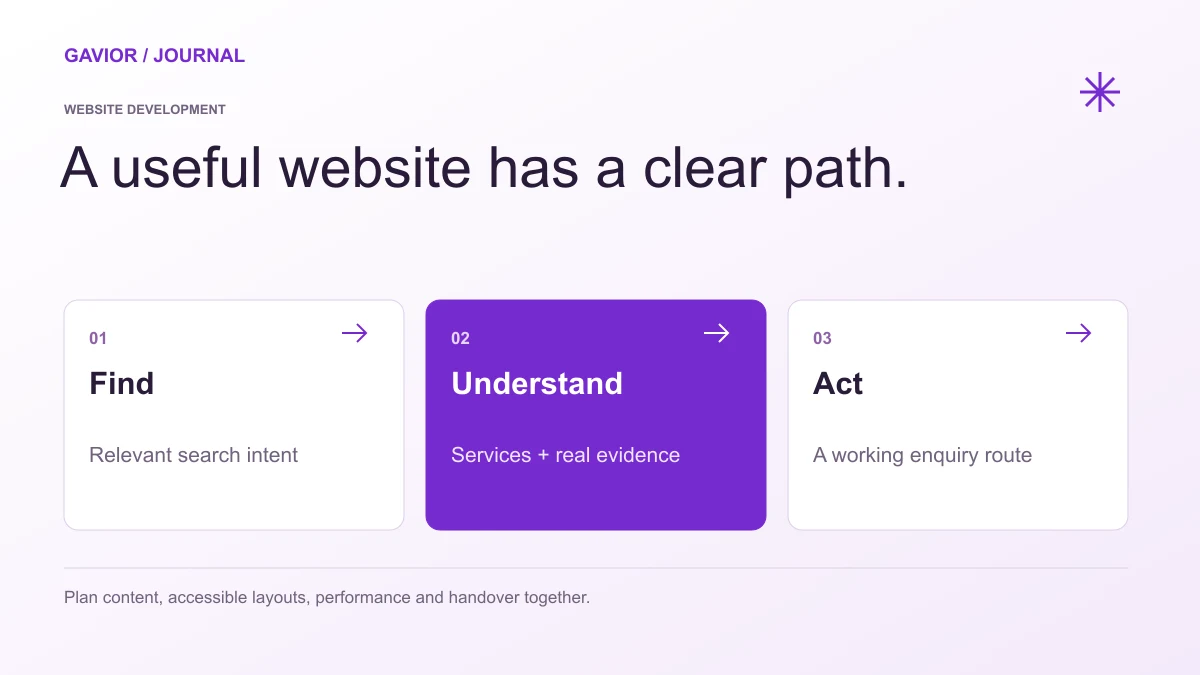
A website brief should connect content, user experience, delivery and ownership. View full-size image ↗
An appointment booking website must do more than display a calendar. The hard part is keeping the promise made to the visitor: a slot shown as available must be bookable, the correct team member must know about it, and both sides must know what happens next. A polished interface cannot rescue unclear availability rules.
Make your move
Ready to turn a better idea into a better business?
If you are hiring a team to build a booking website, document the operating rules before choosing a calendar tool or custom build. A complete brief covers services, capacity, time zones, confirmations, changes, staff workflows and failure handling. The questions below turn a vague “add bookings” request into a scope a developer can estimate and test.
What exactly can a customer book?
List every appointment type, duration, location and assigned resource. For example, a consultancy may offer a free 20-minute discovery call and a paid 60-minute strategy session. A clinic may have different providers and rooms; a training business may need a seat limit for group sessions. These are different data models even if every screen looks like a calendar.
Specify the booking horizon, advance notice, buffer time between appointments, public holidays and time-zone handling. If staff can take bookings over the phone too, the website and staff calendar need a single availability source or an agreed synchronization rule.
Rule to decide
Example question for your team
Acceptance test
Capacity
Can two people reserve the same slot?
Two simultaneous requests never exceed allowed capacity.
Time zones
Which time zone does a remote client see?
Confirmation shows an unambiguous date, time and zone.
Changes
Who may reschedule or cancel?
A valid change updates the calendar and sends notices.
No-shows
Is a deposit or reminder needed?
Policy and reminder timing match the service terms.
Staff leave
How are unavailable days blocked?
A blocked date cannot be booked from any entry point.
Map the complete visitor journey
Show service choice, available slots, essential customer details, any payment step and final confirmation in a sensible order. On mobile, a visitor should be able to see the selected service and time before committing. Display errors next to the relevant field and preserve entered information where practical.
After submission, show a confirmation page and send a message with the agreed details. If a meeting link is generated, clarify whether it is available immediately or later. If approval is manual, say “request received” rather than “booking confirmed.” This distinction prevents customer frustration.
Make the back office part of scope
Ask who can add services, change duration, edit availability, reassign staff, view bookings and export records. Define permission levels so one staff member cannot accidentally change organization-wide settings. Keep a record of cancellations and changes when the business needs an audit trail.
Integrations may include a calendar, CRM, video meeting service, payment provider and messaging platform. For each one, specify the direction of data flow and what happens when the external service is temporarily unavailable. A fallback notification and a visible error state are better than a silent failure.
Protect customer information
Collect only the details needed to provide the service. Include a privacy notice and define how long booking information is kept. If the booking involves sensitive personal or health information, get appropriate professional advice on legal and security requirements for your jurisdiction; a generic contact form is not a compliance plan.
Accessibility matters here because the calendar is the main transaction. A visitor should be able to select a slot with a keyboard, understand the selected state, read validation messages and complete the flow with assistive technology. Ask for this to be demonstrated during acceptance testing.
How should a booking website be tested before launch?
Test at least one successful booking, conflicting booking, cancellation, reschedule, closed date, wrong time zone, failed integration and mobile form error. Confirm what the customer sees and what staff receive in each case. Decide who will monitor failed notifications after launch and how the team can intervene.
Gavior can plan and build a booking flow around your actual operating rules. Share your services and availability model through a project consultation, or explore our website development work.
G
Gavior Editorial Team
Product and web delivery editorial team at Gavior
The Gavior Editorial Team shares practical guidance on product design, software engineering, cloud delivery and AI automation.