Construction and Trades Website: Project Portfolio and Quote Request Checklist
Gavior Editorial Team
Product and web delivery editorial team
Published: 2026-10-07Updated: 2026-10-07
Plan a construction or trades website that shows relevant work, explains service areas and collects quote requests your team can actually assess.
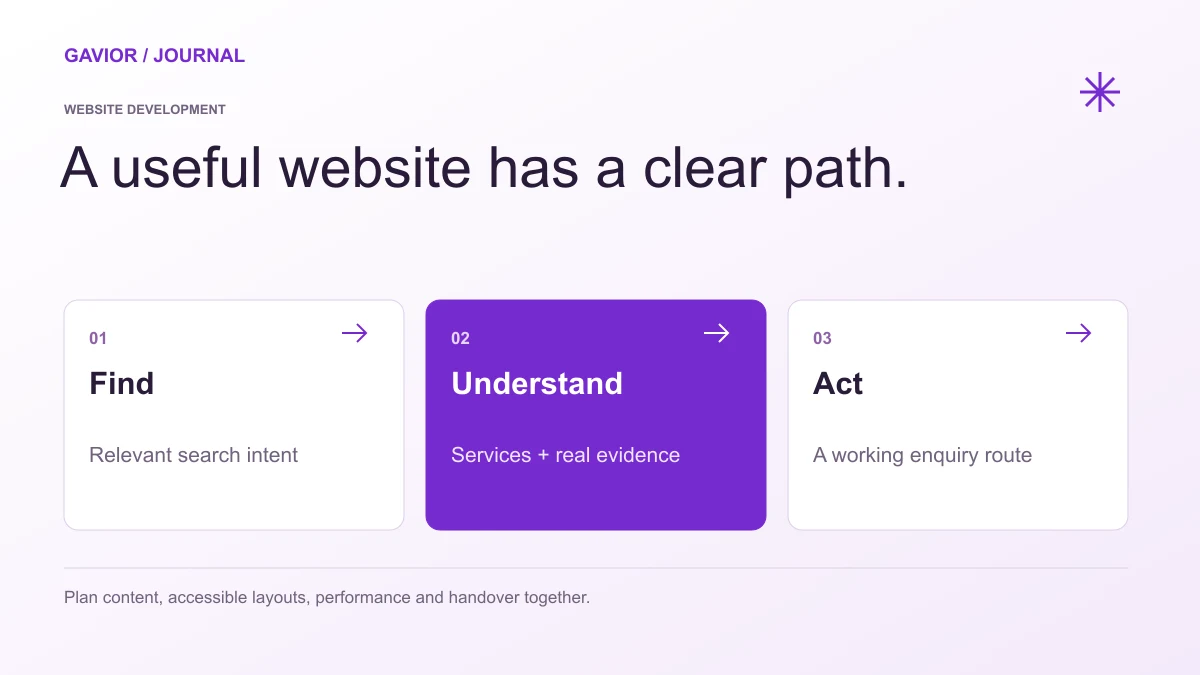
A website brief should connect content, user experience, delivery and ownership. View full-size image ↗
What does a construction or trades website need to win useful quote requests? It needs to show the kind of work the company actually does, where it works and what information is needed to estimate a job. A gallery alone cannot answer those questions. A form that only asks for a name and phone number may produce enquiries the team cannot assess.
Make your move
Ready to turn a better idea into a better business?
The website brief should connect project evidence with a practical intake process. A homeowner comparing roof repairs has different questions from a facilities manager planning a multi-site refurbishment. Make the intended customer and project size explicit before deciding which pages to build.
Which projects should go in the portfolio?
Select projects that represent the work you want more of and that you have permission to publish. For each case, include the service, broad location or service area, challenge, scope and finished result. Useful photos should have descriptive captions and, where possible, show stages that help buyers understand the work. Do not imply that every project followed the same schedule or cost.
For example, a landscaping company might show a small garden drainage project and a larger commercial maintenance project as separate cases. That helps two different buyers decide whether the team is relevant. Twenty unlabeled before-and-after images are less useful than a few explained projects.
Avoid publishing client addresses, identifiable property details or testimonials without permission. If safety or confidentiality limits what can be shown, explain the work at a level the client has approved.
Build service pages around scope
A service page should state what is included, typical project conditions, relevant materials or methods, the areas served and what happens before a quote. Explain what the company does not cover when that will save both sides time. A roofing team, for example, may handle installation and repairs but not structural engineering; the site should route structural questions appropriately.
Page element
Buyer question it answers
Information owner
Service description
Do you do my kind of job?
Operations lead
Service area
Will you come to my location?
Scheduling team
Project example
Have you handled similar work?
Project manager
Quote steps
What information do you need first?
Estimating team
Credentials
What qualifications or cover can you substantiate?
Business owner
Use only current credentials and memberships that can be verified. Where local permits or licensing matter, have the business owner approve the exact wording before it appears online.
What should a quote request form ask?
Ask only for information that changes whether the team can respond usefully: service type, location, project description, approximate timing, property type and a safe way to reply. Photos or plans can be optional. If attachments are allowed, state acceptable file types and handle them securely. A rough budget range may help for larger projects, but explain why it is being requested.
Set expectations after submission. If a site visit is normally needed, say that an online form starts an assessment rather than producing a final price. Route the enquiry to the correct estimator and include a fallback if an upload fails. Test the process from mobile devices, where a visitor may be standing at the project site.
Make local discovery and contact straightforward
Use consistent business name, service area and contact details across relevant pages. A multi-location company should explain which services each team provides. A single contractor should not create near-identical city pages where nothing except the place name changes. Helpful local information might include travel boundaries, emergency availability or project examples in a region.
Put a clear call action on mobile, but give visitors enough information to decide whether to call. Track qualified enquiries, not only form submissions. If a page attracts people outside the service area, revise its wording and routing.
Test the site with a real estimating workflow
Ask an estimator to complete the form as a customer and then process the submission. Can they tell what the job is? Are the photos readable? Is the location within range? Can they reply without copying data between several tools? This test often reveals more than a design review.