
01
A sales-stage model
Define lead ownership, qualification fields and what moves a record between stages.
Keep the customer journey connected
CRM workflows designed around your sales process, from enquiry capture to follow-up and handover. Make ownership and useful context visible without adding unnecessary admin work.
Explore the scopeBuilt around your goals. Scoped before we build.
CRM development organises leads, contacts, activities and customer stages in a shared system. Gavior can build or integrate CRM workflows with forms, communication tools and reporting, based on agreed sales definitions and access rules.
The scope
Your proposal defines what is included, how it will be reviewed and what your team receives. Here is what we can plan together.
Define lead ownership, qualification fields and what moves a record between stages.
Integrate approved sources and make next actions visible to the responsible team.
Provide agreed pipeline views, access controls and data-management guidance.
Where it fits
Different teams need different solutions. These are example starting points, not claims about past client outcomes.
Bring approved website and business inputs into a consistent lead workflow.
Assign contacts and actions so the team can see who is responsible.
Define stages and required data before creating another dashboard.
From brief to handover
No black box. You can see the decisions, review the work and understand what happens next.
Review how leads arrive, qualify and become customers.
Agree fields, duplicates, access boundaries and retention requirements.
Connect forms and approved tools with validation and failure handling.
Test real workflows, reporting definitions and adoption before broader rollout.
Make an informed decision
Tell us the outcome, your current setup and the constraints. We will recommend a scope before you commit to a build.
Explore pricing & engagement optionsAgree one definition of qualified lead and each pipeline stage.
Keep contact permissions, retention and export ownership explicit.
Selection depends on your requirements, existing systems and budget.
Before we begin
Start by comparing existing platforms against the critical workflow. Custom development is justified by meaningful gaps, not simply a different screen layout.
Yes, subject to data mapping, deduplication and lawful use. Preserve consent and source information where it is needed for communication.
Approved workflows can automate reminders or permitted messages. Consent, unsubscribe handling and sender-platform requirements still apply.
No. A CRM supports a defined process; consistent team use, lead quality and the offer still determine sales outcomes.
Think connected
Plan with confidence
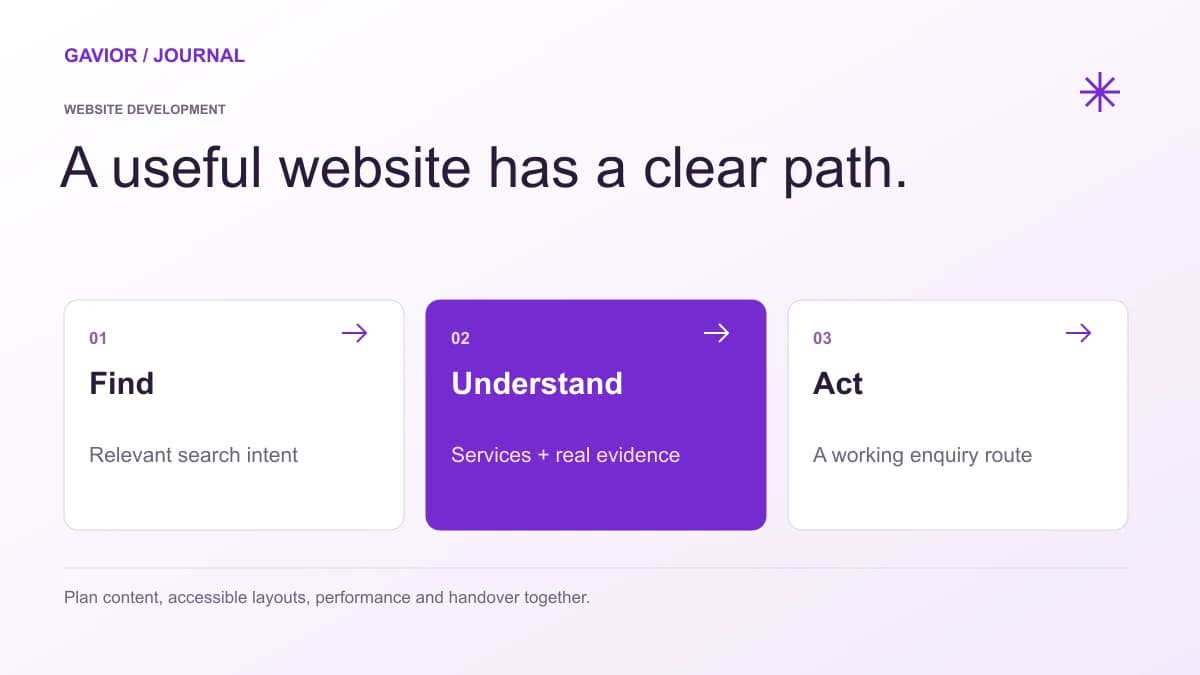 Website Development
Plan a service business website around qualified enquiries, clear service pages, trust evidence and a measurable follow-up process.
 AI Automation
A practical way to choose the first workflow worth automating—without confusing a promising AI demo with a reliable business system.
Let’s make it useful
A few focused questions. A clearer starting point for your project.