Supabase and PostgreSQL Schema for a Publishable Blog
Gavior Editorial Team
ORBIT product editorial team
Published: 2026-10-07Updated: 2026-10-09
A practical schema checklist for sending reviewed AI articles to a Supabase or PostgreSQL-backed website.
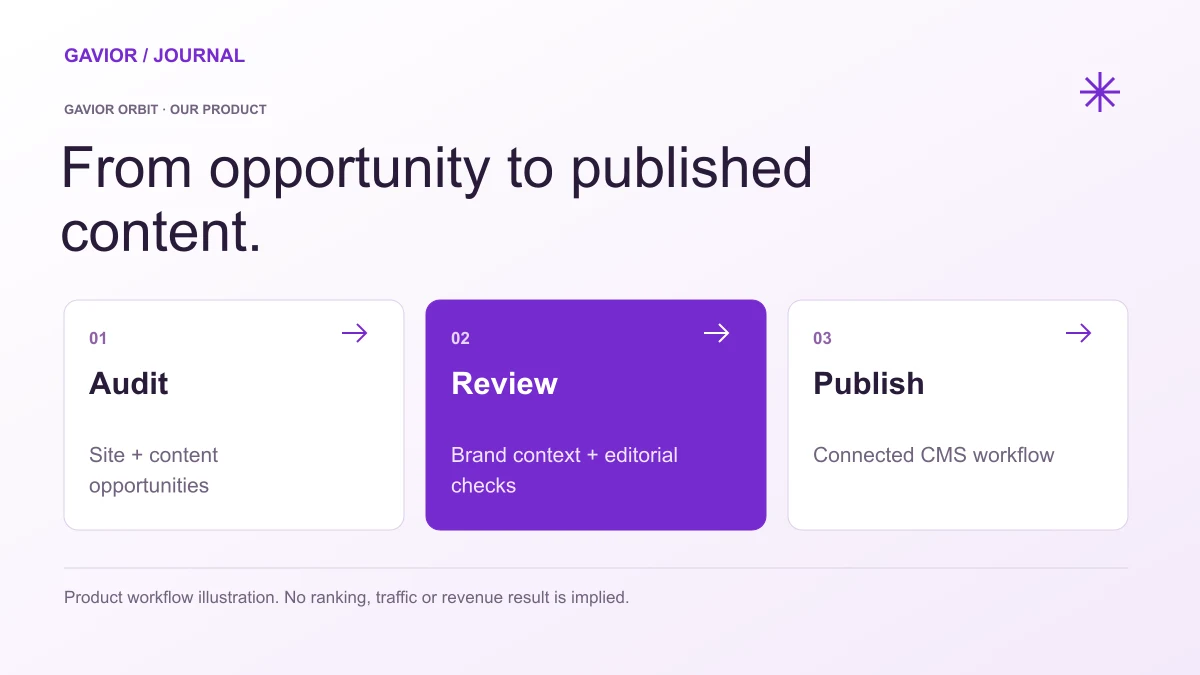
Workflow illustration for Gavior's own product; no search or business result is implied. View full-size image ↗
Direct database publishing is useful when a site already renders its blog from PostgreSQL or Supabase. It also removes the guardrails a conventional CMS might provide. Before connecting an external article workflow, the site owner should define a schema, permissions and publication states that make accidental public drafts difficult.
Make your move
Ready to turn a better idea into a better business?
Gavior Orbit advertises database publishing targets. The exact mapping for a custom site still depends on that site's schema and connector configuration; a database row alone is not proof that the frontend will display a correct article.
Separate identity, content and publication state
An article table can include id, unique slug, title, summary, body, body_format, author_id, status, published_at, updated_at, canonical_url and featured_image_url. Use a constrained status such as draft, scheduled, published or archived. Keep published_at empty until publication. If the site stores rich blocks or media separately, map those relations explicitly.
Here is a small starting contract for a site that stores HTML articles. It is an example, not a migration to run blindly: match column names and body sanitization to your existing application before connecting a publishing target.
CREATE TABLE blogs (
  id BIGINT GENERATED ALWAYS AS IDENTITY PRIMARY KEY,
  slug TEXT NOT NULL UNIQUE,
  title TEXT NOT NULL,
  summary TEXT,
  content_html TEXT NOT NULL,
  status TEXT NOT NULL DEFAULT 'draft'
    CHECK (status IN ('draft', 'scheduled', 'published', 'archived')),
  created_at TIMESTAMPTZ NOT NULL DEFAULT NOW(),
  updated_at TIMESTAMPTZ NOT NULL DEFAULT NOW(),
  published_at TIMESTAMPTZ
);

CREATE INDEX blogs_public_listing_idx
  ON blogs (published_at DESC)
  WHERE status = 'published';
Your ingestion layer should set updated_at on changes and set published_at only when the editorial workflow approves publication. A scheduled record should not become public merely because its date has passed unless your application deliberately performs that transition. Keep the mapping from Orbit's article package to these fields explicit and test it with one draft.
Do not let an external writer choose arbitrary SQL columns. Validate slug uniqueness, text length, required fields and safe body format at the ingestion boundary. Use the least-privileged credential that can write the intended records; never expose a service-role secret to the browser. If a webhook is used, verify its signature and reject replayed events.
Protect public queries
The public blog query should filter for published status and an eligible publication time. Draft previews need a separate authenticated path. Row-level security or equivalent database permissions should enforce this boundary, not just a UI condition. Give the writer a way to update an existing article by stable ID so retries do not create duplicate slugs.
For example, the public list and sitemap can use the same predicate:
SELECT slug, title, summary, published_at
FROM blogs
WHERE status = 'published'
  AND published_at IS NOT NULL
  AND published_at <= NOW()
ORDER BY published_at DESC;
Use the same eligibility rule in the article route. If the record is a draft, scheduled for later or archived, return a non-public result rather than rendering a page with only a noindex tag. Make sure an update does not accidentally create a second canonical URL.
Test four cases
Insert a draft, publish it, retry the same delivery, then archive it. For each transition inspect the database, the rendered page and the sitemap. Confirm that a failed media upload does not leave a half-published record. This small test is more valuable than assuming direct sync is automatically reliable.
Where Orbit fits
The Orbit article workflow can produce the content package and target a connected database, while the site owner defines which fields are writable and which records become public. Agree on an idempotent key before the first delivery. A failed send should be retried against the same article ID, not inserted as a new slug. For Supabase deployments, review the platform's Row Level Security guidance and Database Webhooks documentation while designing the receiving boundary. Those controls are part of the site's implementation, not guarantees supplied by an article generator.
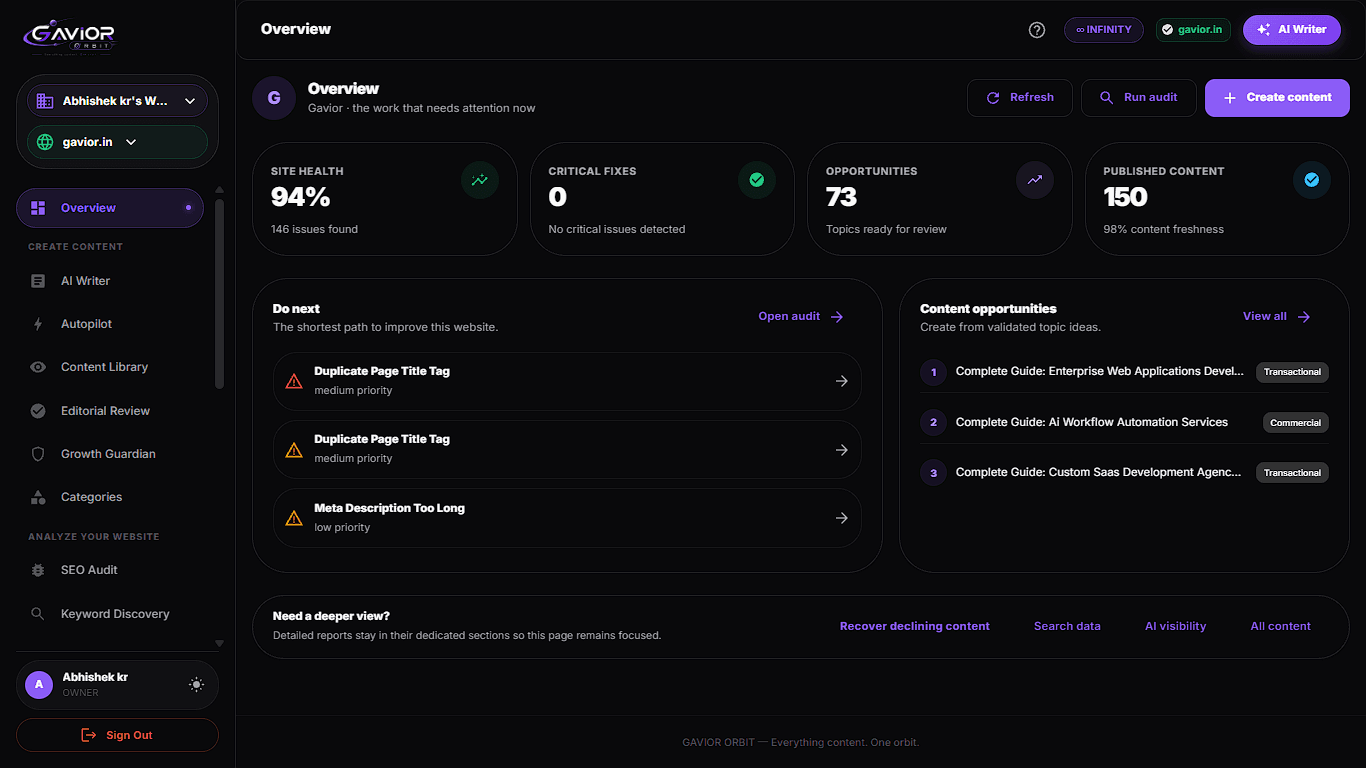
Our own product · Gavior OrbitA real Gavior Orbit interface. The captured figures describe a screen state; they are not performance tests, traffic growth or customer outcomes.
G
Gavior Editorial Team
ORBIT product editorial team at Gavior
The Gavior Editorial Team shares practical guidance on product design, software engineering, cloud delivery and AI automation.