
01
Project and service architecture
Define resource organisation, regions and suitable compute or managed services.
A workload-led Google Cloud setup
Google Cloud architecture and deployment scoped to your application and data flows. Make service permissions, region choice and operational ownership explicit from the beginning.
Explore the scopeBuilt around your goals. Scoped before we build.
Gavior can help plan and configure Google Cloud hosting, storage, database connections and release workflows. The appropriate services depend on workload behaviour, team skills and cost requirements rather than a default platform stack.
The scope
Your proposal defines what is included, how it will be reviewed and what your team receives. Here is what we can plan together.
Define resource organisation, regions and suitable compute or managed services.
Connect the agreed runtime, data stores and service identities.
Document logs, alerts, recovery requirements and the drivers of recurring usage costs.
Where it fits
Different teams need different solutions. These are example starting points, not claims about past client outcomes.
Evaluate managed container hosting against the application's runtime needs.
Map dependencies and plan data movement, validation and cutover.
Review service identities and reduce unnecessarily broad resource access.
From brief to handover
No black box. You can see the decisions, review the work and understand what happens next.
Review existing resources, application requirements and data locations.
Compare managed services, runtime constraints and recurring cost assumptions.
Configure permissions and validate service-to-service connectivity.
Check monitoring, backups, access handover and incident responsibilities.
Make an informed decision
Tell us the outcome, your current setup and the constraints. We will recommend a scope before you commit to a build.
Explore pricing & engagement optionsConfirm billing ownership, project access and data-region requirements.
Review service quotas and workload constraints before choosing a runtime.
Selection depends on your requirements, existing systems and budget.
Before we begin
No. Runtime behaviour, persistent storage, request patterns and background processing requirements influence whether managed containers fit.
Yes, after an inventory and permission review. Changes should respect existing services, billing and production dependencies.
Credits may expire or have eligibility restrictions. A production plan needs normal usage-cost assumptions beyond any promotional allowance.
Hosting on a particular cloud is not a ranking guarantee. Search usefulness, accessibility and site quality remain separate considerations.
Think connected
Plan with confidence
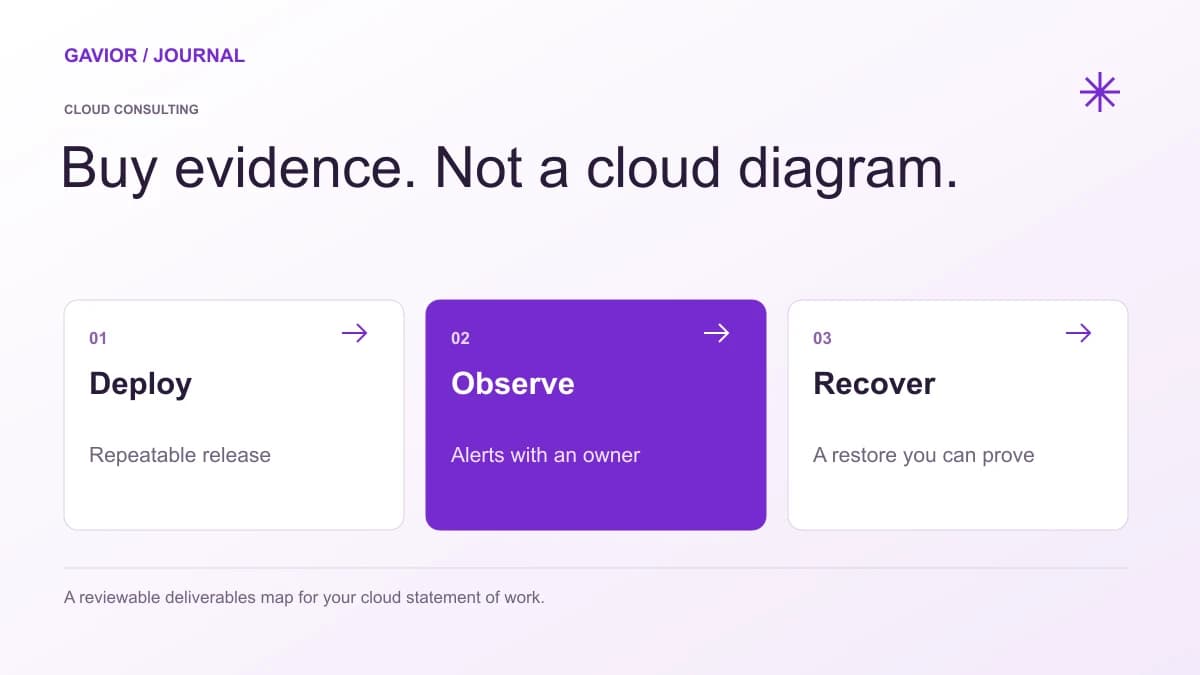 Cloud Engineering
Plan a production cloud migration with a dependency inventory, tested recovery, data cutover rules, rollback decisions and evidence that customer workflows still work.
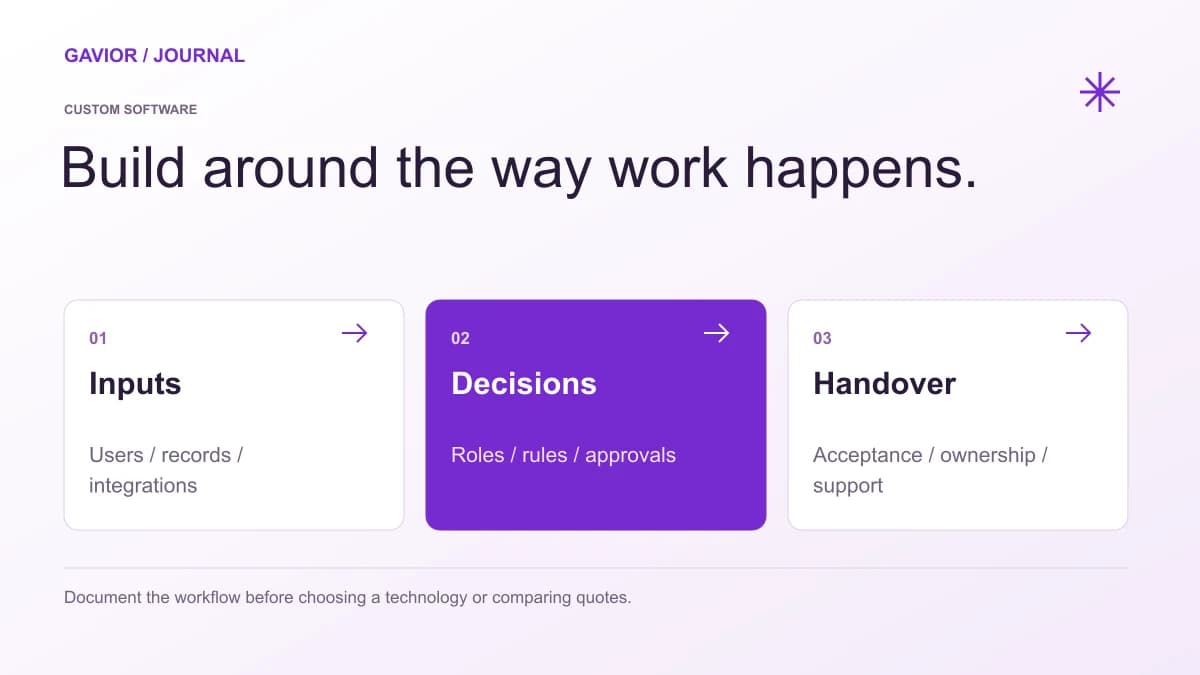 Technology
SaaS development requires designing subscription products for scale from day one. Choosing the right architectures early prevents expensive rewrites later.
SaaSA practical SaaS security and cloud-delivery checklist covering access control, secure design, releases, monitoring and shared ownership after launch.
Let’s make it useful
A few focused questions. A clearer starting point for your project.