Brand Identity Handover Checklist: Files and Rules Your Team Can Actually Use
Gavior Editorial Team
Brand and design editorial team
Published: 2026-10-15Updated: 2026-10-15
Specify a practical brand handover covering editable assets, logo variants, typography, colour, templates, licensing notes and real-world acceptance checks.
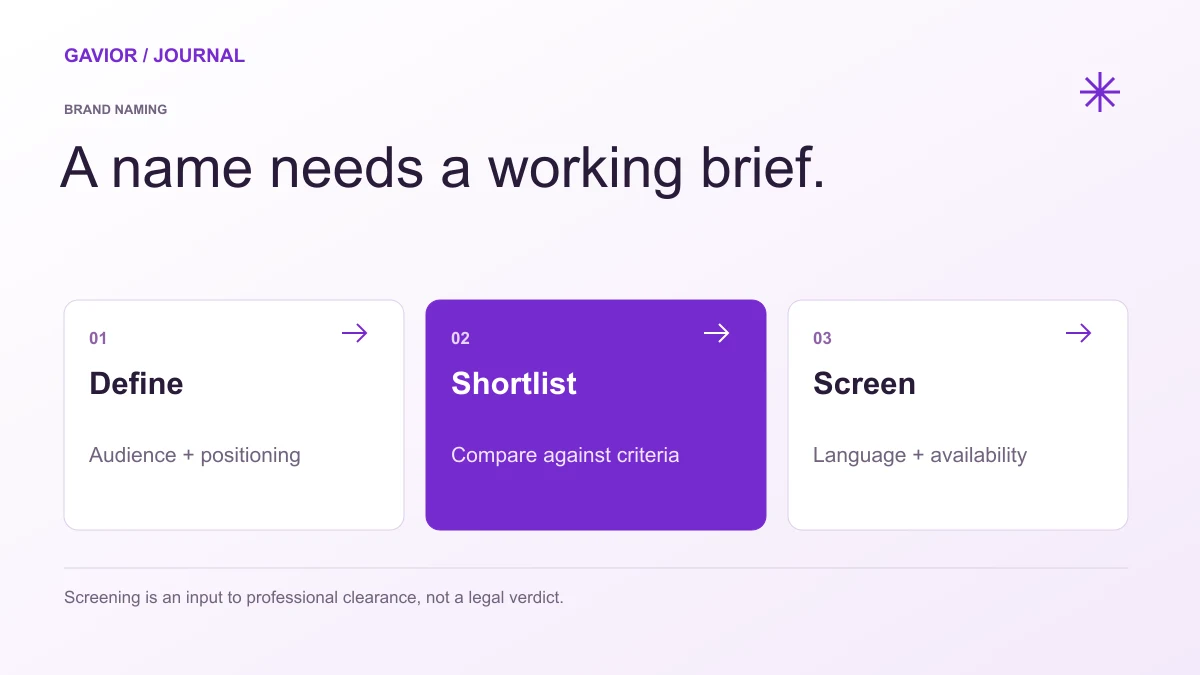
An original naming workflow. Screening does not replace professional clearance. View full-size image ↗
Request the approved identity files, appropriate editable sources, clear usage rules, licensed-asset information and templates for the channels your team actually uses. Confirm the agreed rights and ownership in the contract. A folder of logo exports alone does not explain how to operate a consistent brand.
Make your move
Ready to turn a better idea into a better business?
This guide focuses on accepting and using a completed identity. If you are still choosing your audience and message, start with our startup brand identity planning guide. Gavior provides branding and design services; the following checklist is a practical procurement aid, not legal advice about a particular licence.
Begin with the required touchpoints
List where the identity must work during the next phase of the business: a website, product interface, proposal, presentation, invoice, social profile or printed material. Different channels need different assets. A logo that works on a large desktop banner may need a simpler variant for a small app icon.
Agree which touchpoints are included before production. Do not assume that purchasing an identity includes an unlimited template library or every possible print format. Ask the designer to show the approved system on the most important real contexts so the handover reflects your operating needs.
Build an asset inventory
Deliverable
What to check
Logo system
Primary, compact, monochrome and appropriate light/dark variants
Editable source
Agreed source files with clear naming and accessible formats
Digital exports
Correctly sized files for the website and named channels
Typography
Font names, hierarchy, fallback rules and licence references
Colour
Approved values and guidance for readable combinations
Imagery and icons
Source, usage rules and any restrictions
Templates
Editable, tested versions for the agreed recurring tasks
Guidelines
Practical examples, prohibited changes and an asset owner
The exact formats depend on the work. Ask why each file is supplied and where it should be used. Your marketing team should not need to guess which of fifteen nearly identical logo files is current. Mark superseded versions clearly so an old asset is not accidentally reused.
Check that the system survives real content
Test with your actual company name, service names and plausible content lengths. A presentation template may look impressive with a two-word heading but fail when staff use a normal sentence. A social template may need space for an image credit or a longer regional-language phrase.
For a hypothetical consulting startup, acceptance might include a proposal cover, a two-page service overview and a mobile website header using the same visual rules. This is an illustrative test, not a Gavior portfolio claim. The purpose is to see whether ordinary staff can reproduce a consistent result without redesigning each document.
Treat readability as a delivery requirement
Check logos and important labels at their actual display sizes. Review body text, buttons and information graphics on mobile and desktop. A colour palette is not permission to use every colour pairing for text. Ask the designer to identify approved combinations and exceptions rather than leaving the developer to interpret a decorative sample.
Include keyboard and screen-reader considerations when the work extends into digital interface design. A brand document can specify intent, while the implemented website or app still needs its own accessibility checks. Do not label the whole product accessible merely because the brand palette was reviewed.
Make rights and recurring costs visible
Request a list of fonts, photos, illustrations, icon sets and other third-party materials used. Record where each comes from, who holds the relevant account and whether there are ongoing charges. The transfer of a design file does not by itself explain the rights attached to every embedded asset.
Clarify whether the agreement includes editable sources, template rights and future modifications. Use the actual contract and licence terms to resolve questions. If there is a dispute about ownership or permitted use, obtain appropriate professional advice rather than relying on a generic checklist.
Run a short handover exercise
Ask a team member who did not create the identity to complete one recurring task using the supplied files and instructions. Can they update a slide, prepare a social image and choose a suitable logo export? Record where they get stuck and improve the guidance before sign-off.
Assign a brand owner who maintains the master folder and approves new variants. Keep an asset index with version dates and a simple request process. The goal is not to police every design choice; it is to make the correct files and rules easy to find when the business is busy.