
01
Server and application inventory
Document resources, running services, ports and dependencies before changes.
Know what is running and who maintains it
VPS and dedicated-server setup with an inventory-first approach. Preserve existing applications while organising access, deployment, monitoring and recovery around actual resources.
Explore the scopeBuilt around your goals. Scoped before we build.
Gavior can configure and maintain agreed workloads on VPS or dedicated servers, including service startup, web routing, TLS, backups and operational checks. Server rental and any software licences remain separate infrastructure costs.
The scope
Your proposal defines what is included, how it will be reviewed and what your team receives. Here is what we can plan together.
Document resources, running services, ports and dependencies before changes.
Configure agreed applications, routing, TLS and startup behaviour.
Specify off-server backup needs, restoration steps and routine operational checks.
Where it fits
Different teams need different solutions. These are example starting points, not claims about past client outcomes.
Prepare hosting around the application's actual memory, storage and network needs.
Clarify resource use, domains and service ownership before adding more workloads.
Plan routing, data transfer and dependency checks without assuming DNS changes are sufficient.
From brief to handover
No black box. You can see the decisions, review the work and understand what happens next.
Audit operating system, resources, services, firewall and existing application health.
Define workloads, access needs, backup location and availability requirements.
Apply scoped changes with recovery options and preserve existing services.
Check public routes, service startup and restore documentation with current resource use.
Make an informed decision
Tell us the outcome, your current setup and the constraints. We will recommend a scope before you commit to a build.
Explore pricing & engagement optionsProvide secure access and identify applications that must remain available.
Agree provider costs, off-server storage and maintenance ownership.
Selection depends on your requirements, existing systems and budget.
Before we begin
Yes, if resources and isolation are adequate. Audit CPU, memory, disk and application dependencies rather than relying on the advertised server size alone.
Reinstallation is not assumed. Existing data and applications must be inspected and a separate migration decision made if the environment is unsuitable.
We can identify blockers such as restricted ports or unavailable reverse DNS, but the provider must approve or apply provider-level changes.
No. Off-server copies and a tested restore procedure reduce the risk of losing both production data and its only backup together.
Think connected
Plan with confidence
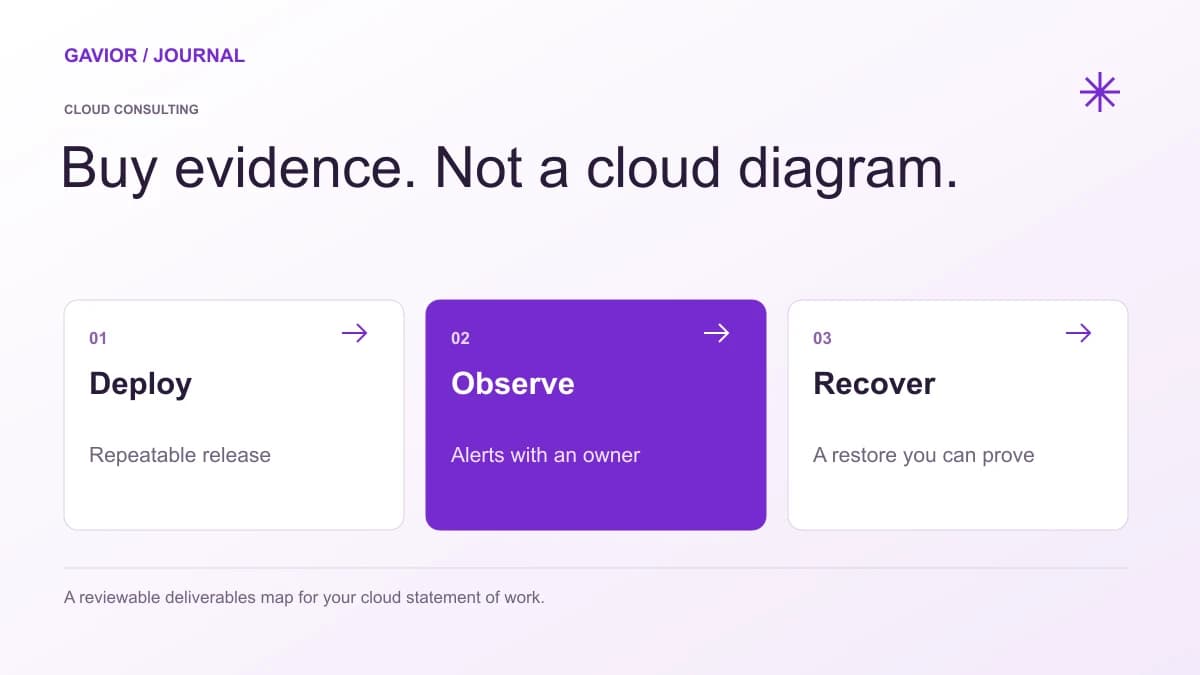 Cloud Engineering
Plan a production cloud migration with a dependency inventory, tested recovery, data cutover rules, rollback decisions and evidence that customer workflows still work.
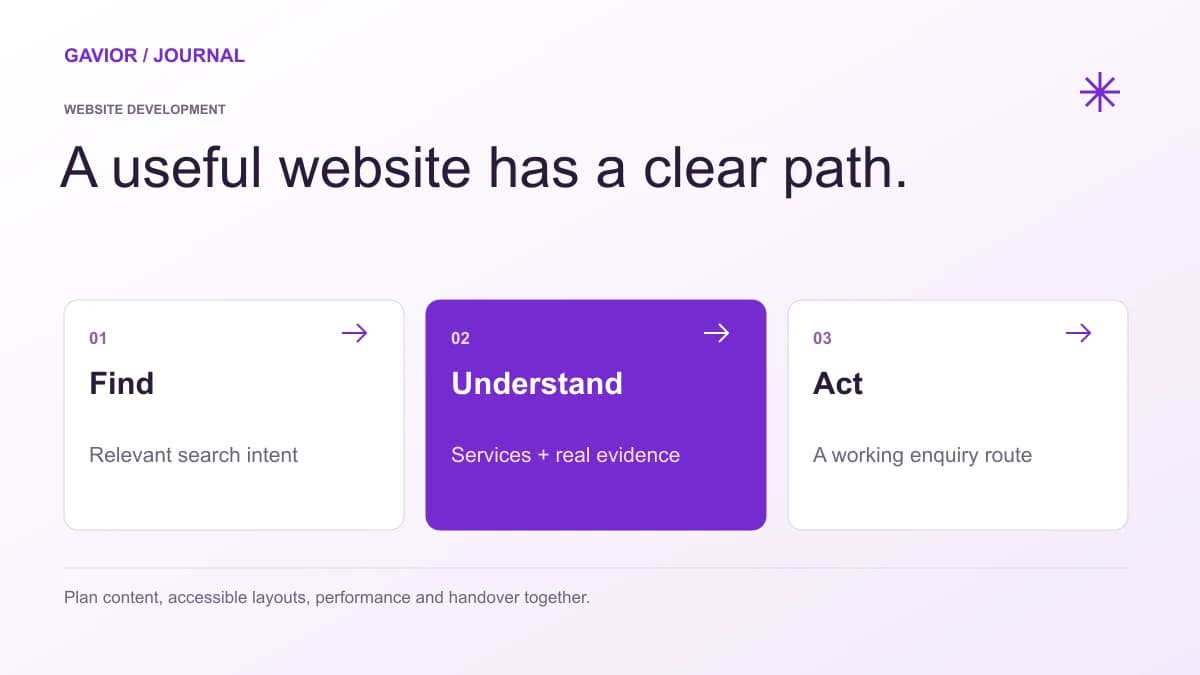 Website Development
A practical website support plan covering ownership, updates, backups, security, content changes and response expectations.
SaaSA practical SaaS security and cloud-delivery checklist covering access control, secure design, releases, monitoring and shared ownership after launch.
Let’s make it useful
A few focused questions. A clearer starting point for your project.